
Geofence attendance: punch in only when you are at the site.
A geofence is a circle around your site. With Zentaro Pulse, staff can mark attendance from their phone only when they are inside that circle. You set the radius in metres for each site. The phone checks location when the person punches, and Pulse does not track people in the background.
- A circle around each site
- Rules for each tenant and site
- Location only with consent
- Weak GPS is flagged
Without it
- Anyone can mark attendance from home.
- You cannot tell if a punch came from the site or from somewhere else.
- Managers argue about where the person really was.
What it does.
A circle around each site
You set the centre and the radius in metres. A punch from outside the circle is not marked as on-site.
Rules for each tenant and site
Choose whether the geofence is required, and set different radii for a small shop and a large yard.
Location only with consent
Location is used for attendance with the employee's consent. There is no background tracking.
Weak GPS is flagged
A poor GPS reading or a fake location is flagged for a manager to review instead of being quietly accepted.
How it works.
-
Step 1.
Draw the circle.
Set the site centre and the radius in metres in the console.
-
Step 2.
Staff open the app.
The employee taps punch in. The app reads the phone location at that moment.
-
Step 3.
Pulse checks the distance.
If the phone is inside the circle, the punch is marked on-site. If not, it is not marked on-site and can be flagged for a manager.
-
Step 4.
The record is kept.
The punch shows the time, the site and whether it passed the location check.
See the screens.
The screens you and your managers will use for this.
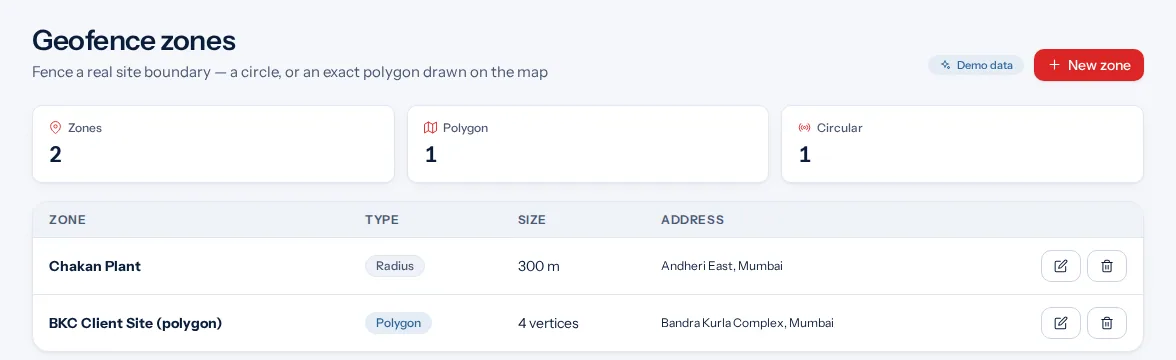
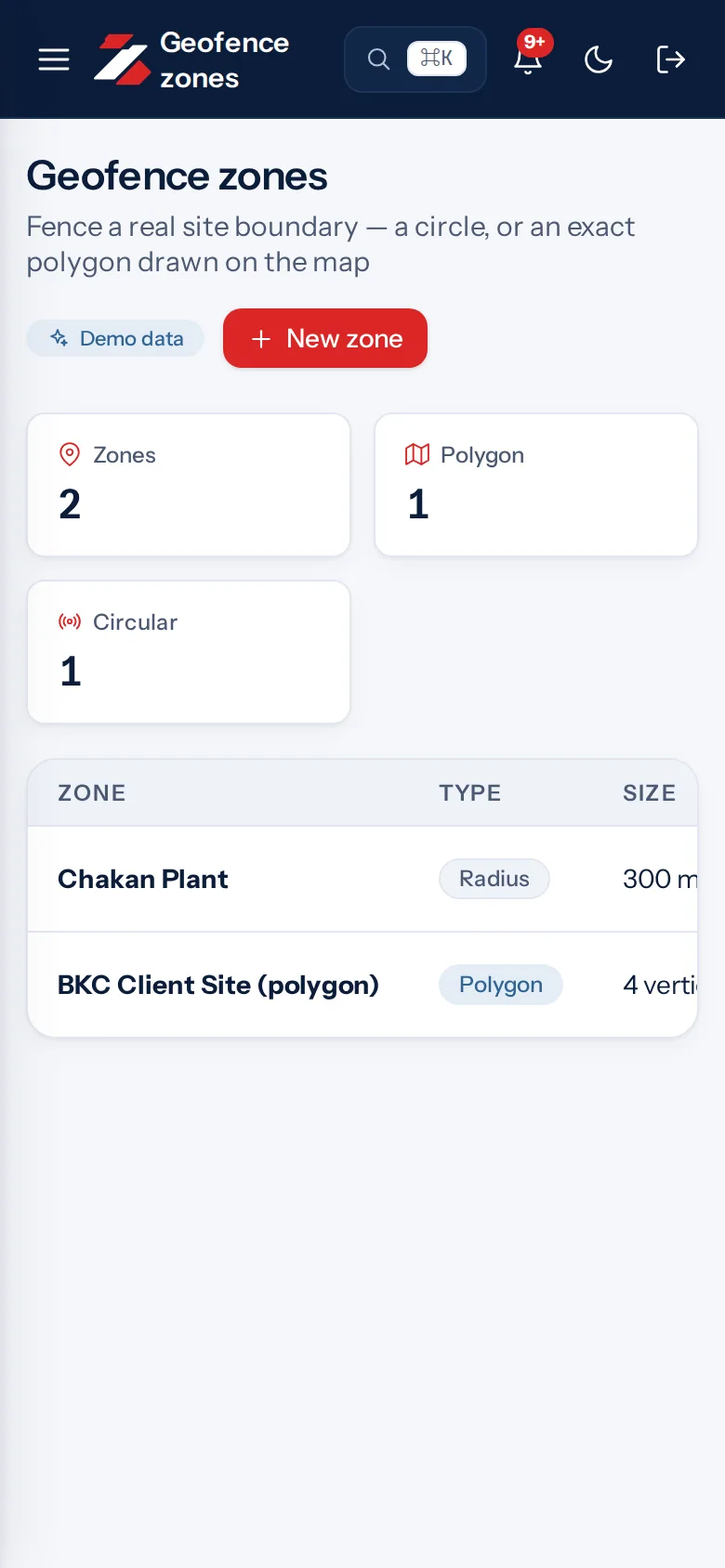
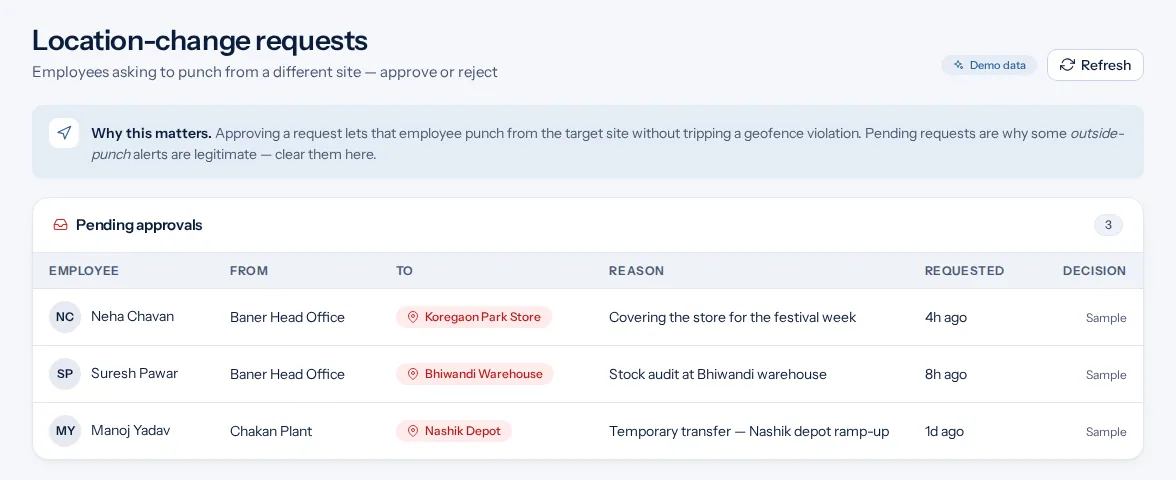
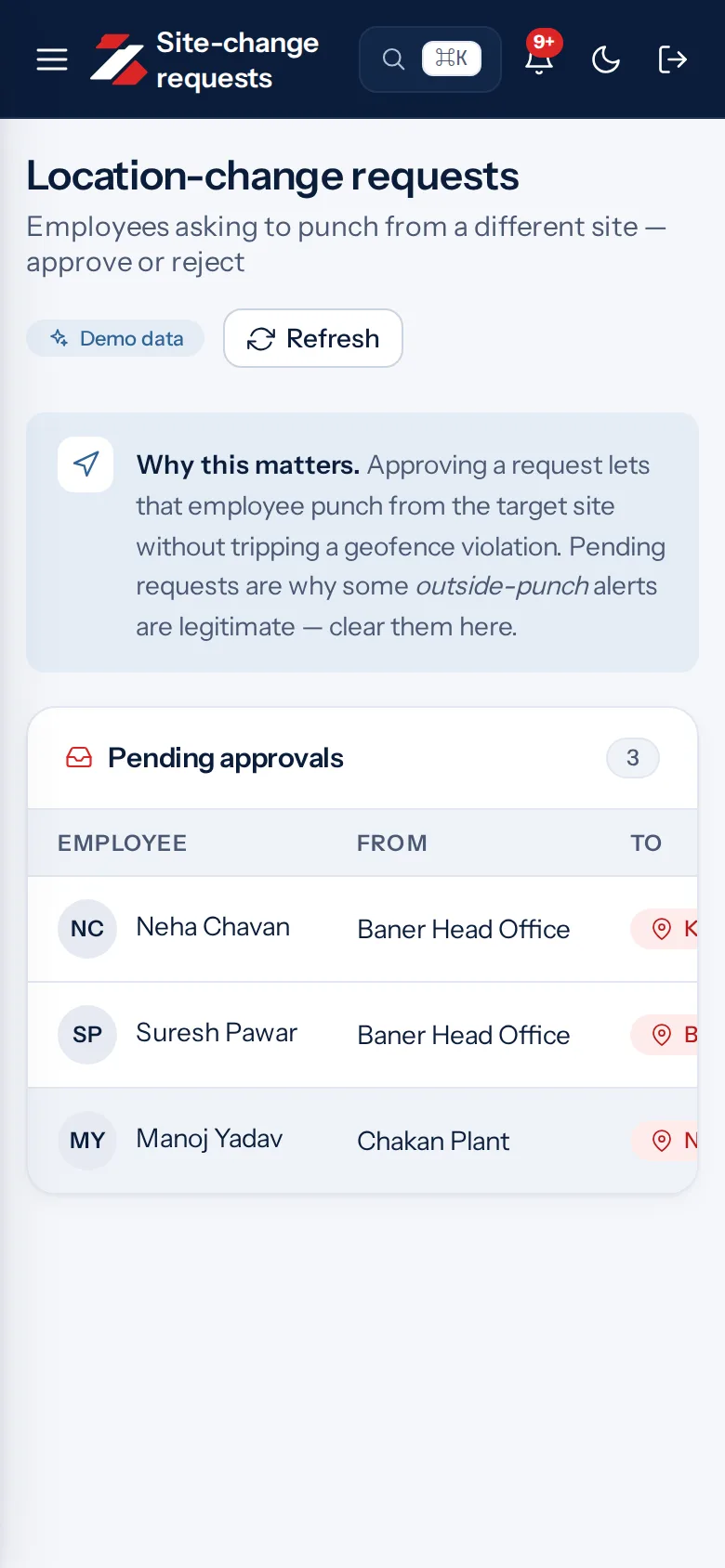
Example screens with demo data
The problem you know
What goes wrong without it.
- Punches from the wrong place. Without a site area, a punch from anywhere looks the same.
- Weak GPS is quietly accepted. A poor reading or a fake location should not pass unnoticed.
- Staff worry about tracking. People need to know their location is not followed all day.
What it is not
- It is not background tracking. Location is read when a person punches.
- It does not use shapes other than a circle.
Who it is for.
Who it is for
- Shops, offices and branches with a fixed address
- Contractors who must prove they reached the site
- Managers who want fewer false punches from home
Want to see how it fits your team? Talk to us
When does the app read location?
Location is read when staff clock in or out. If a business turns on automatic clock-out (it is off by default), the app also reads position while the person is clocked in and the app is open. There is no background location tracking.
A geofence is a check, not proof that a person was at the site. GPS can be wrong, and phones can be tricked. So Pulse also looks for fake locations and other warning signs, and sends doubtful punches to a person.
What if GPS cannot confirm my location?
Here is what an employee can do, in this order.
- Try again. The app says to step outside or near a window, wait a few seconds, then punch again.
- Move inside the site area and punch again, if the app says you are outside.
- Use another method, if your business allows one. A QR code on the shared tablet is one example.
- Ask for a correction. The employee sends a request and a manager approves it.
- Ask the manager. A flagged punch is shown to a manager, who can accept it or reject it with a reason. The employee does not need to punch again.
Why GPS accuracy matters
GPS gets less accurate indoors and between tall buildings. The phone reports how accurate each reading is.
Pulse treats the reading as a circle of that size. The punch is confirmed only when the whole circle fits inside your site circle. A reading coarser than 100 metres is never confirmed.
Sample data. Made up to show the rule. The numbers are not from a real site.
| Distance from the centre | Phone accuracy | Result |
|---|---|---|
| 40 m | 35 m | Confirmed. 40 + 35 = 75 m, inside the 100 m circle. |
| 65 m | 35 m | Confirmed. 65 + 35 = 100 m, just inside. |
| 80 m | 35 m | Not confirmed. 80 + 35 = 115 m, so the phone may be outside. The app asks the employee to move further in or wait for a better reading. |
| 40 m | 150 m | Not confirmed. A reading coarser than 100 m is never confirmed, and the punch can be flagged for low accuracy. |
| 120 m | 10 m | Outside. The punch is not marked on-site and can be flagged. |
Questions people ask.
What is a geofence attendance app?
It is an app that accepts a punch only when the phone is inside a set area around the workplace. Zentaro Pulse launches in February 2027.
What shape is the geofence?
A circle. You set the radius in metres for each site. Other shapes are not part of Zentaro Pulse today.
Does Zentaro Pulse track staff all day?
No. There is no background tracking. The app reads location when a person punches, and only with their consent.
What happens when the GPS signal is weak?
Pulse does not confirm a weak reading. The app asks the employee to try again, and a low-accuracy punch can be flagged for a manager.
What if GPS cannot confirm my location?
Try again near a window or outside, use another method if your business allows one, or ask for a correction. A manager can also accept a flagged punch.
Can each site have a different radius?
Yes. Each site has its own centre and radius.
Be first to hear when Zentaro Pulse launches
Zentaro Pulse is launching in February 2027. Join early access and we will tell you first. Or ask us a question now.
Last updated: