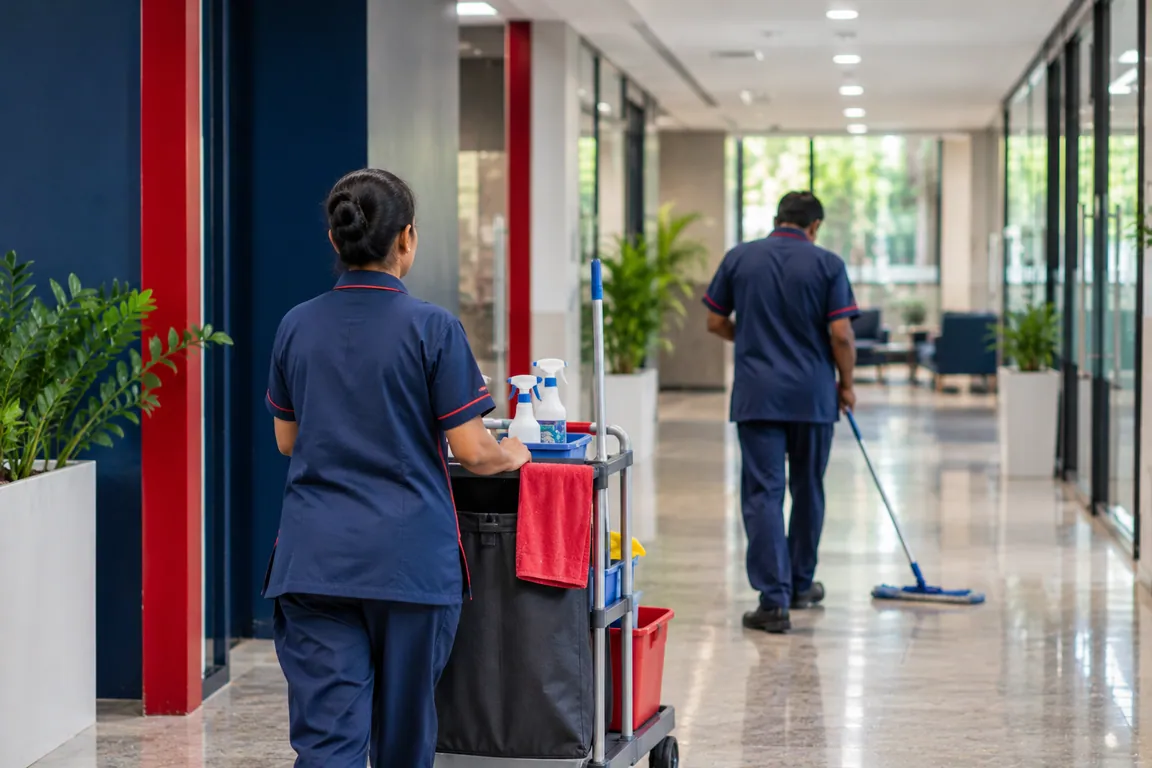
Attendance management software for shops, sites and offices.
Zentaro Pulse is attendance and workforce management for any business. Staff clock in on their phones. Managers plan shifts, approve leave and overtime, and export attendance for payroll. It is launching in 2027.
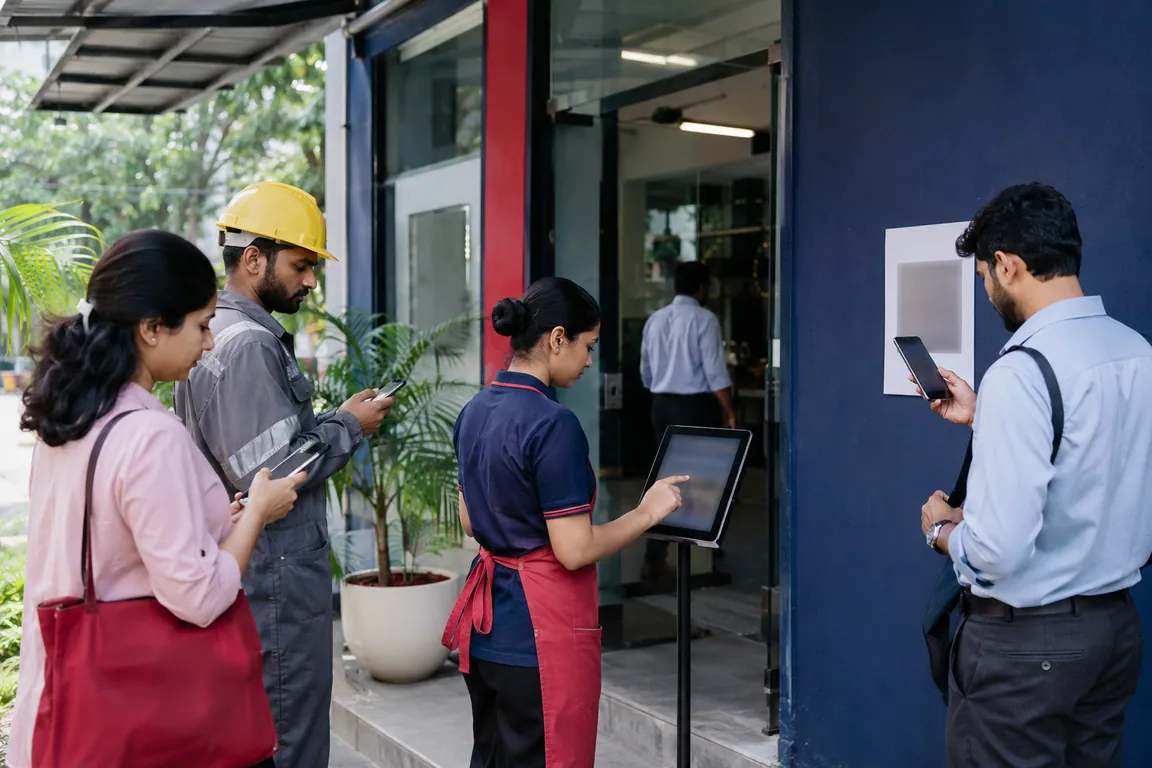
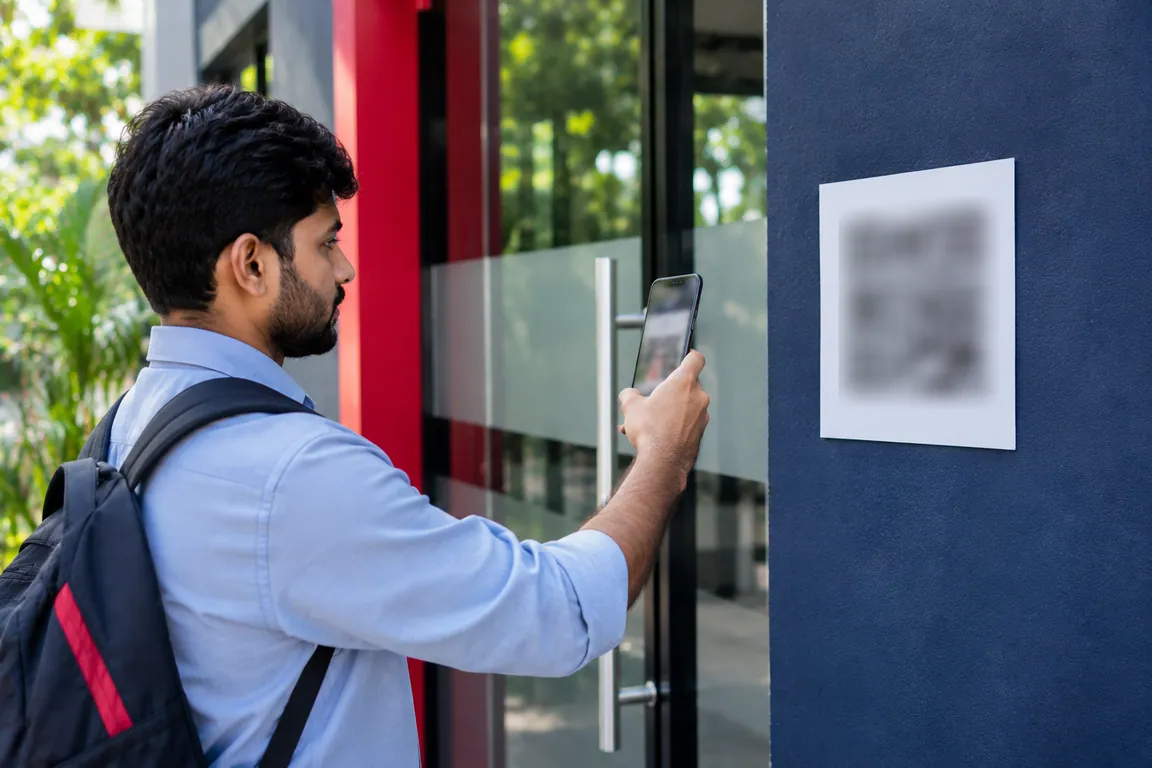
Staff can mark attendance by phone with location, by QR code, on a shared tablet or with an NFC badge. Pick the method for each team.
Plan the shift
Plan shifts, rotations and swaps, with checks for clashes and gaps in cover. Night shifts that cross midnight are handled, and so are forgotten punch-outs.
Approvals in one inbox
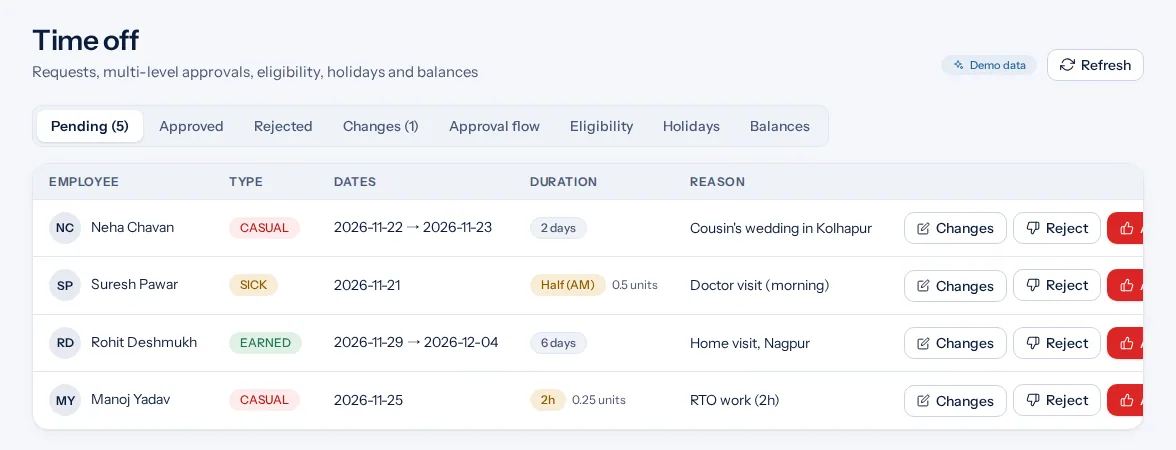
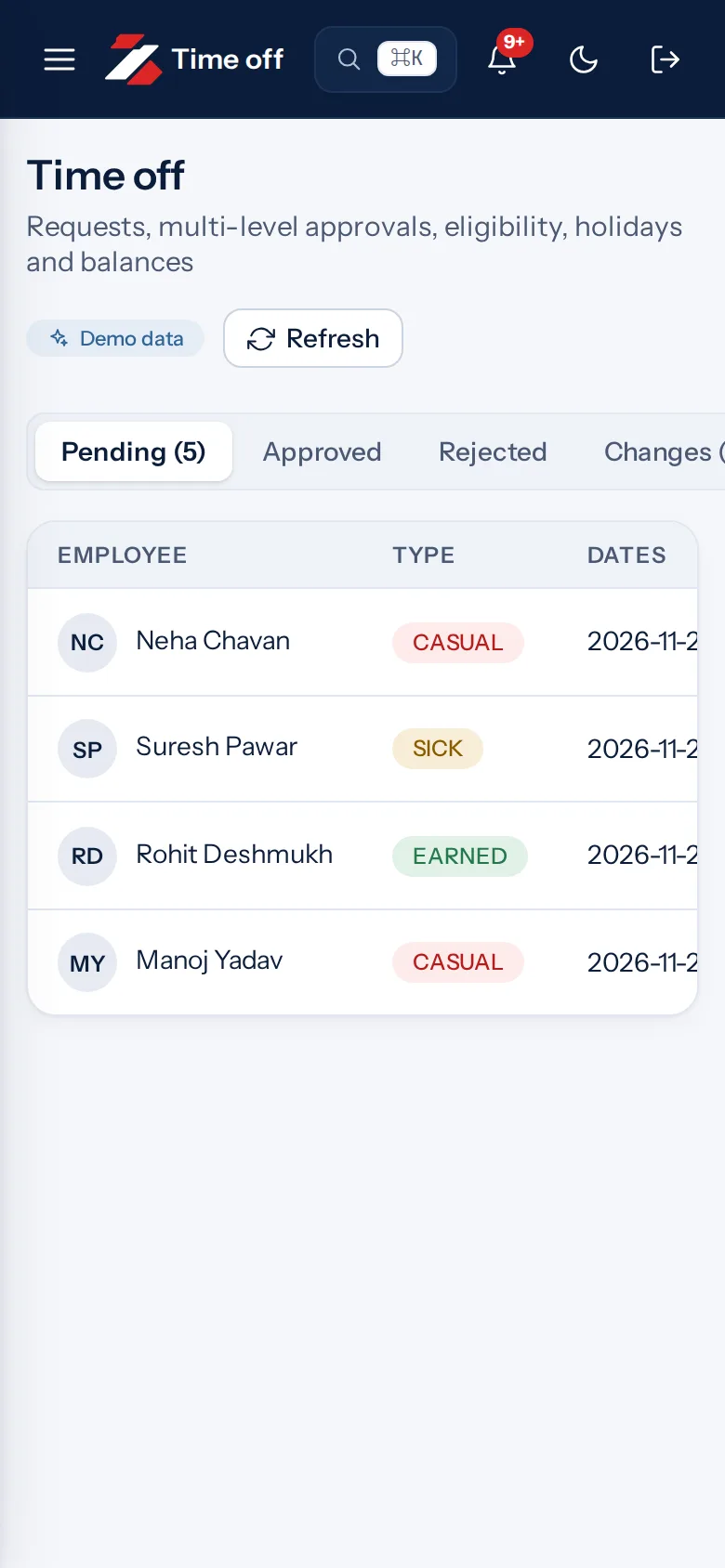
Leave, overtime, corrections, shift swaps and location changes arrive in one approval inbox. Nobody decides their own request.
Works when the network does not
The phone app saves punches when there is no internet and sends them later.
Live board and reports
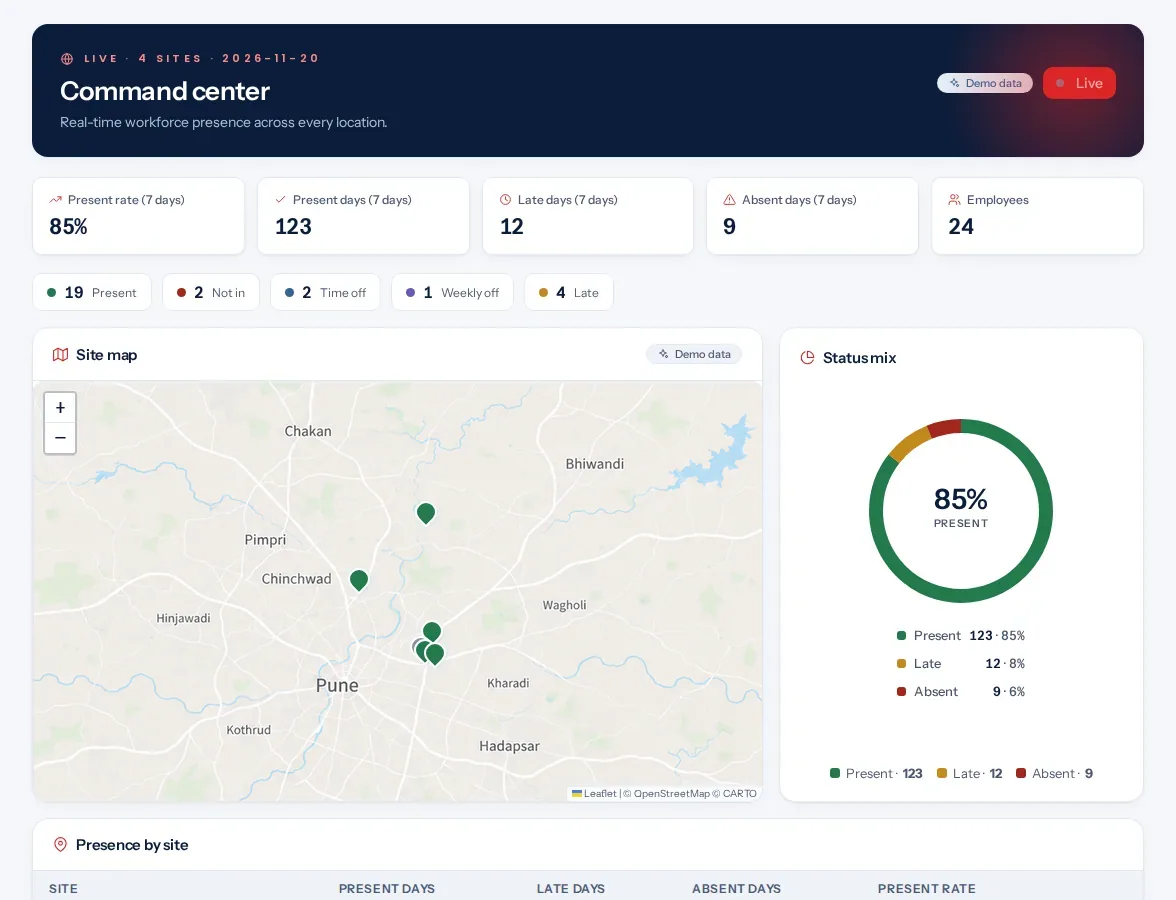
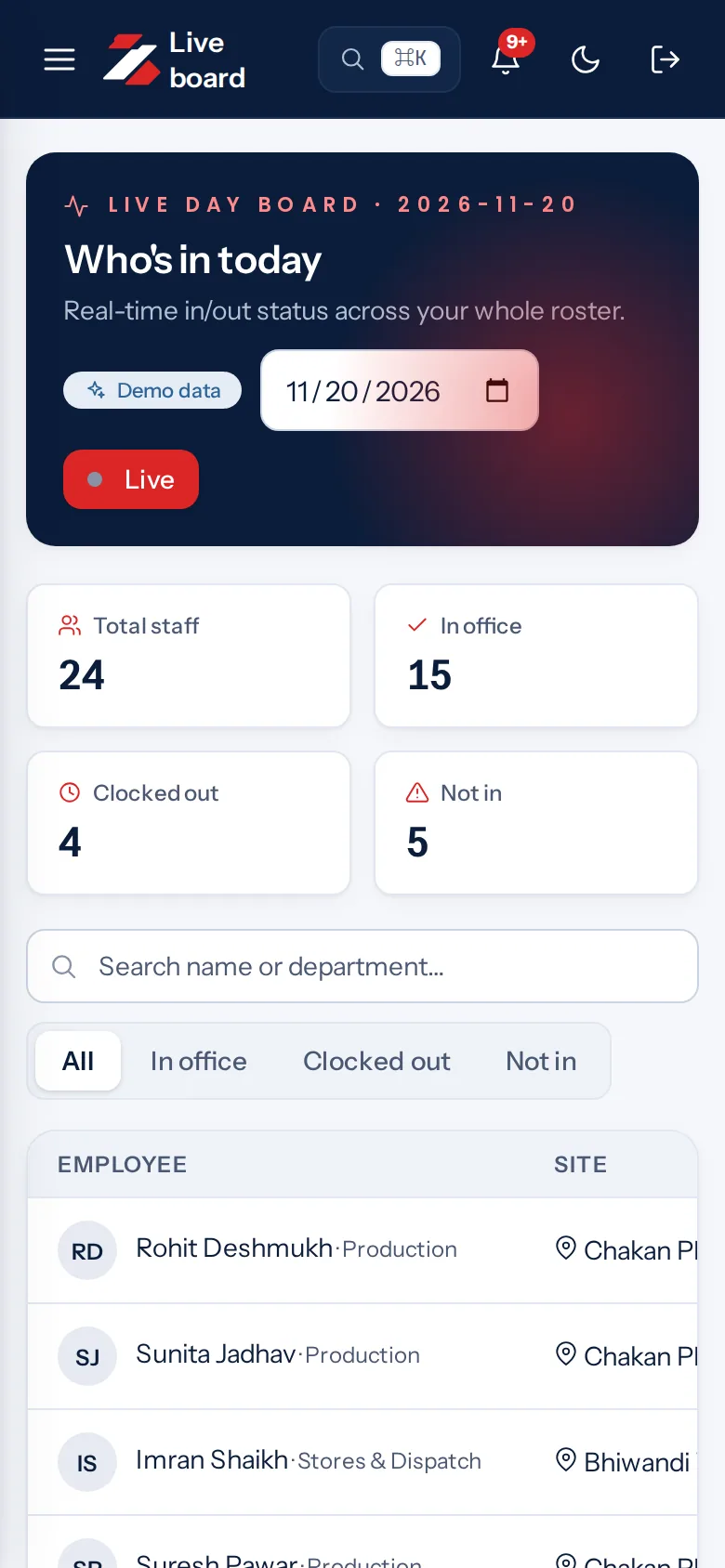
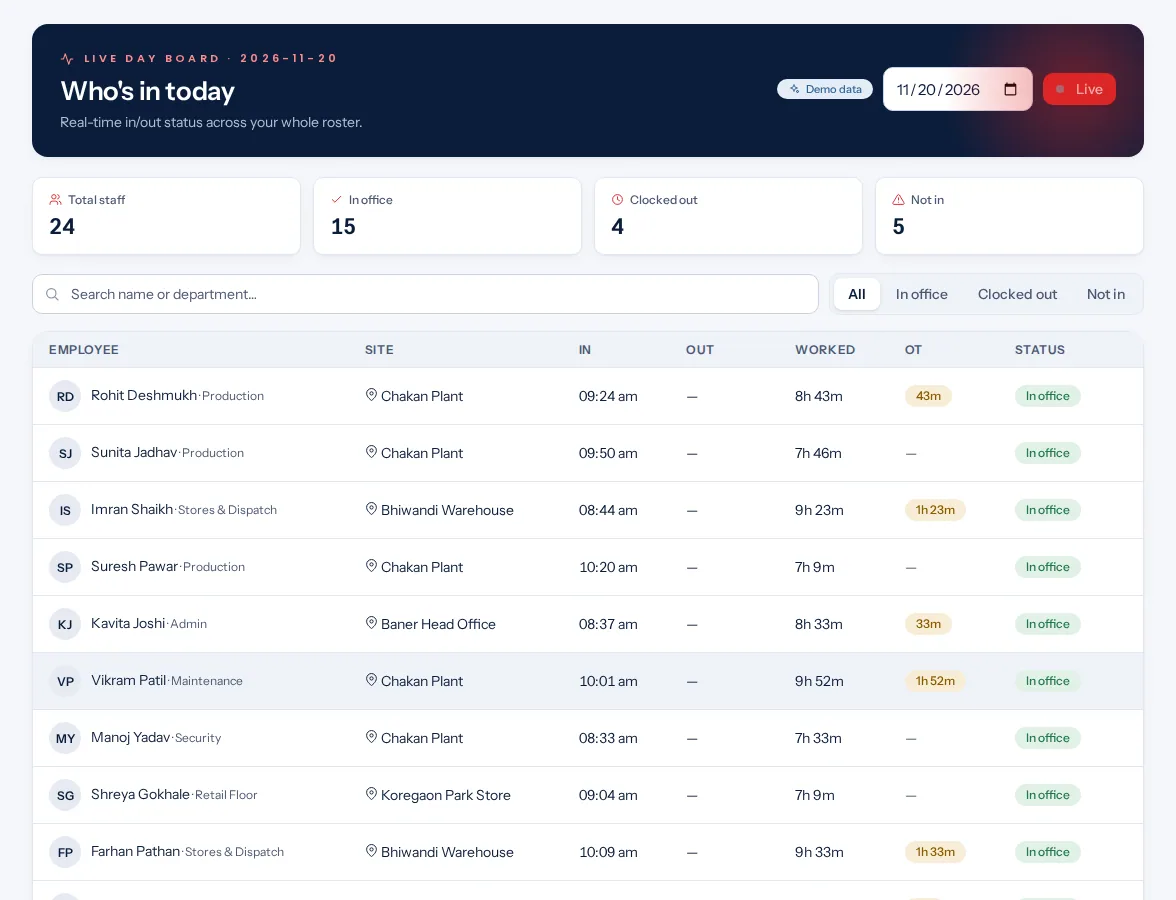
A live board shows who is in right now. Alerts in the app tell managers about late clock-ins, missed shifts and absences.
Payroll-ready export
Export attendance as a CSV file, an Excel-ready file or JSON, with present, absent, late, half-day, overtime and loss-of-pay days.
Ways to clock in
Pick the method for each team.
Staff can mark attendance by phone with location, by QR code, on a shared tablet or with an NFC badge.
Phone with locationA geofence is a circle with a radius in metres, set by your business. Staff clock in from inside it.
QR codeEach employee QR code works for 60 seconds and is read by the shared tablet.
Shared tabletOne shared tablet can serve many employees.
A live board shows who is in right now. Alerts in the app tell managers about late clock-ins, missed shifts and absences.
Reports cover employees, teams, departments, the attendance register, budget against actual, breaks and a day board. They download as CSV, Excel or PDF.
Leave, overtime, corrections, shift swaps and location changes arrive in one approval inbox. Nobody decides their own request. Nobody decides their own request.
An employee asks for a correction and a manager approves it. Leave types come with Indian defaults. Set accrual and carry-forward, and let staff apply, managers approve or reject, and staff cancel.
Staff can mark attendance by phone with location, by QR code, on a shared tablet or with an NFC badge.
Step 2managers
Managers plan and approve
Plan shifts, rotations and swaps, with checks for clashes and gaps in cover. Leave, overtime, corrections, shift swaps and location changes arrive in one approval inbox.
Step 3automatic
Export for payroll
Export attendance as a CSV file, an Excel-ready file or JSON, with present, absent, late, half-day, overtime and loss-of-pay days. A public API with API keys for your business.
Many sites, many kinds of staff
Simple for one shop. Ready for many sites.
One site
Staff clock in on their phones and you see who is in, in one place.
A few sites
Run many sites from one account. Each site can have its own work week, and staff can ask to change location.
Many sites and contractors
Contract workers, daily-wage workers and visitors are supported.
Privacy and control
Your people's data, handled with care.
Consent is recorded for each purpose, for example location.
The app has no background location tracking.
A selfie photo can be required when staff clock in. Selfies are stored encrypted and deleted after 30 days by default.
An employee can ask for a copy of their data or ask for it to be erased. The request goes to HR for approval, and an overdue report shows requests that are late.
The free calculators, templates and glossary need no sign-up, now or later. Work out overtime, check leave balances or download an attendance register.
Zentaro Pulse is attendance and workforce management software for any business. It covers clock-in, shifts, leave, overtime, approvals and payroll-ready export. It is launching in 2027.
How can staff mark attendance?
Staff can mark attendance by phone with location, by QR code, on a shared tablet or with an NFC badge. You can pick a different method for each team.
Does it work without internet?
The phone app saves punches when there is no internet and sends them later. Punches that arrive more than 72 hours late go to review.
Can I use it for payroll?
Export attendance as a CSV file, an Excel-ready file or JSON, with present, absent, late, half-day, overtime and loss-of-pay days. It does not calculate salary. It gives you the attendance numbers your payroll needs.
How does Zentaro Pulse treat employee data?
Consent is recorded for each purpose, for example location. An employee can ask for a copy of their data or ask for it to be erased. The request goes to HR for approval, and an overdue report shows requests that are late. The app has no background location tracking. Read more on the data protection page.
When does Zentaro Pulse launch?
Zentaro Pulse is launching in 2027. Pricing is not published yet. It will be shared when Zentaro Pulse launches. You can join early access now.
Be first to hear when Zentaro Pulse launches
Zentaro Pulse is launching in 2027. Join early access and we will tell you first.