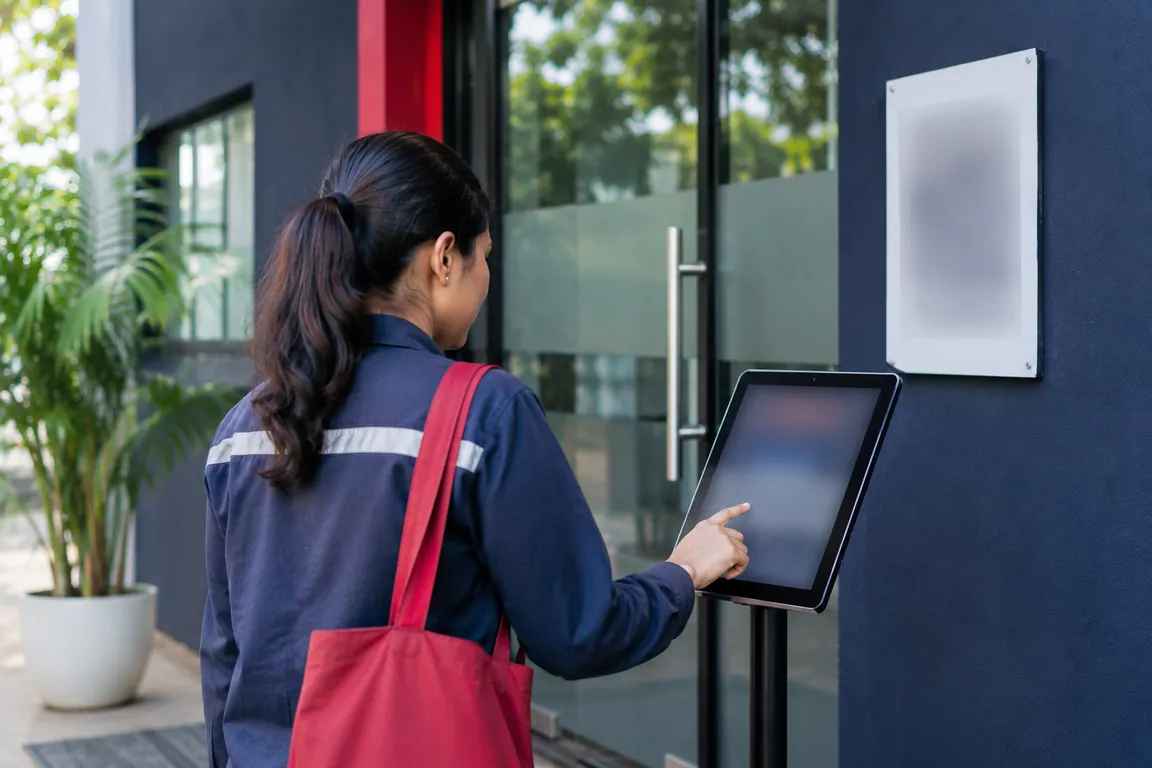
Attendance kiosk tablet, phones and badges
You need very little hardware for Zentaro Pulse. Staff use their Android phones. A shared attendance kiosk tablet at the door serves many people. NFC badges and QR codes add more ways to clock in. You do not need to buy a punch machine. Zentaro Pulse is launching in 2027.
- Android phones
- A shared tablet at the door
- QR codes
- NFC badges
Phones
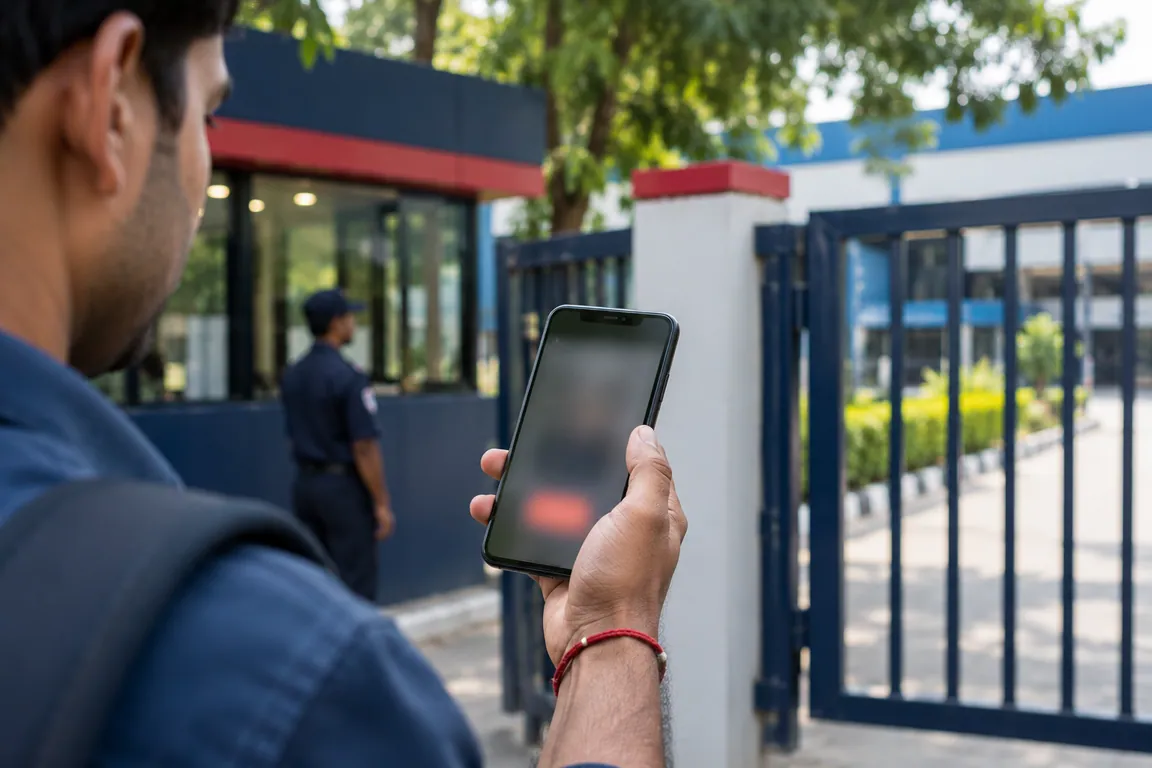
Zentaro Pulse has an Android app for phones and tablets and a web console for managers.
A geofence is a circle with a radius in metres, set by your business.
Shared tablet at the door
One shared tablet can serve many employees. Each tablet has its own device token and its own history.
This shared tablet attendance setup suits a gate, a shop counter or a site office.

QR codes
Each employee QR code works for 60 seconds and is read by the shared tablet. Visitor, contractor and vendor QR passes are supported too.
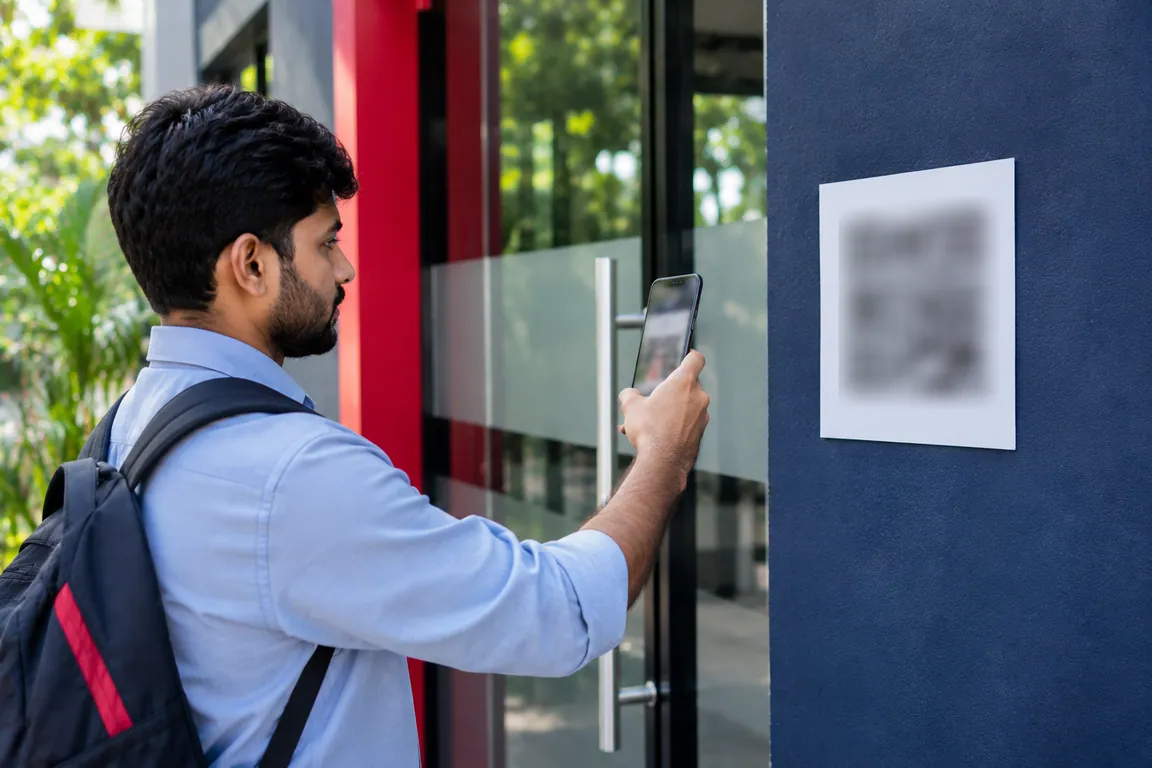
NFC badges
A badge tap marks attendance.
Badge reader attendance needs a device that can read your cards. Tell us which cards you use.
Questions people ask.
What do I need to buy to use Zentaro Pulse?
Staff use their own Android phones. For a shared tablet at the door you need an Android tablet. You do not need a punch machine.
Can many staff use one tablet?
One shared tablet can serve many employees. Each tablet has its own device token and its own history.
How do QR codes work?
Each employee QR code works for 60 seconds and is read by the shared tablet. Visitor, contractor and vendor QR passes are supported too.
Can I use NFC cards I already have?
A badge tap marks attendance. Tell us which cards you use and we will confirm.
Be first to hear when Zentaro Pulse launches
Zentaro Pulse is launching in 2027. Join early access and we will tell you first. Or ask us a question now.
Last updated: