- Solutions
- Facility teams
Zentaro Pulse for facility teams: attendance across every building
Facility and housekeeping teams work early mornings in many buildings, under supervisors who move between them. Zentaro Pulse gives each building a location circle, lets staff clock in by phone or at a supervisor's tablet, lets supervisors mark for staff without phones, and alerts the office to a missed shift. Launching 2027.
- Launching 2027, not on sale yet
- Made by Zentaro LLP in Pune, India
- Phone, QR code, shared tablet or NFC badge
- Free tools and templates, no sign-up
What goes wrong when staff are spread over many buildings
Nobody sees the team together
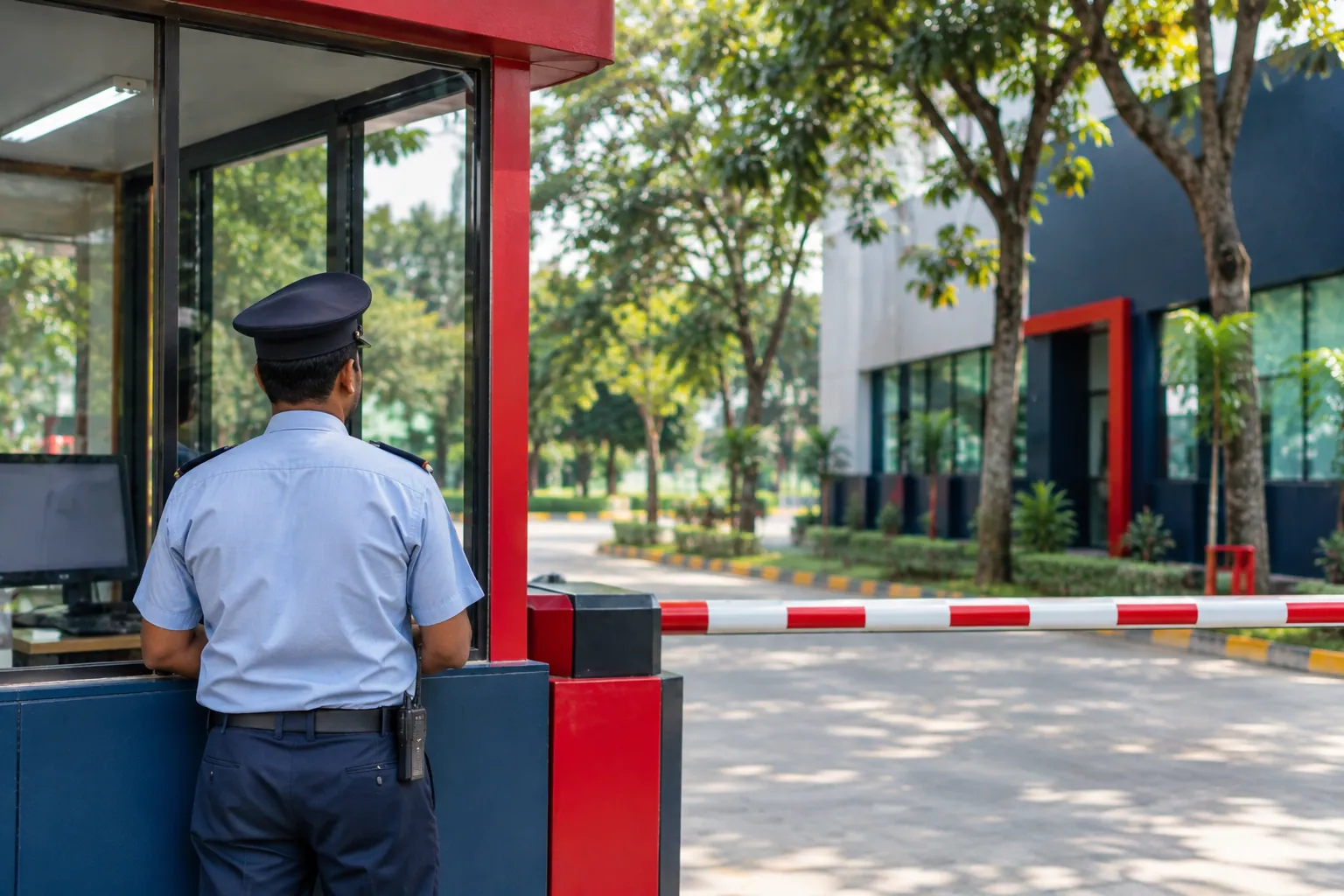
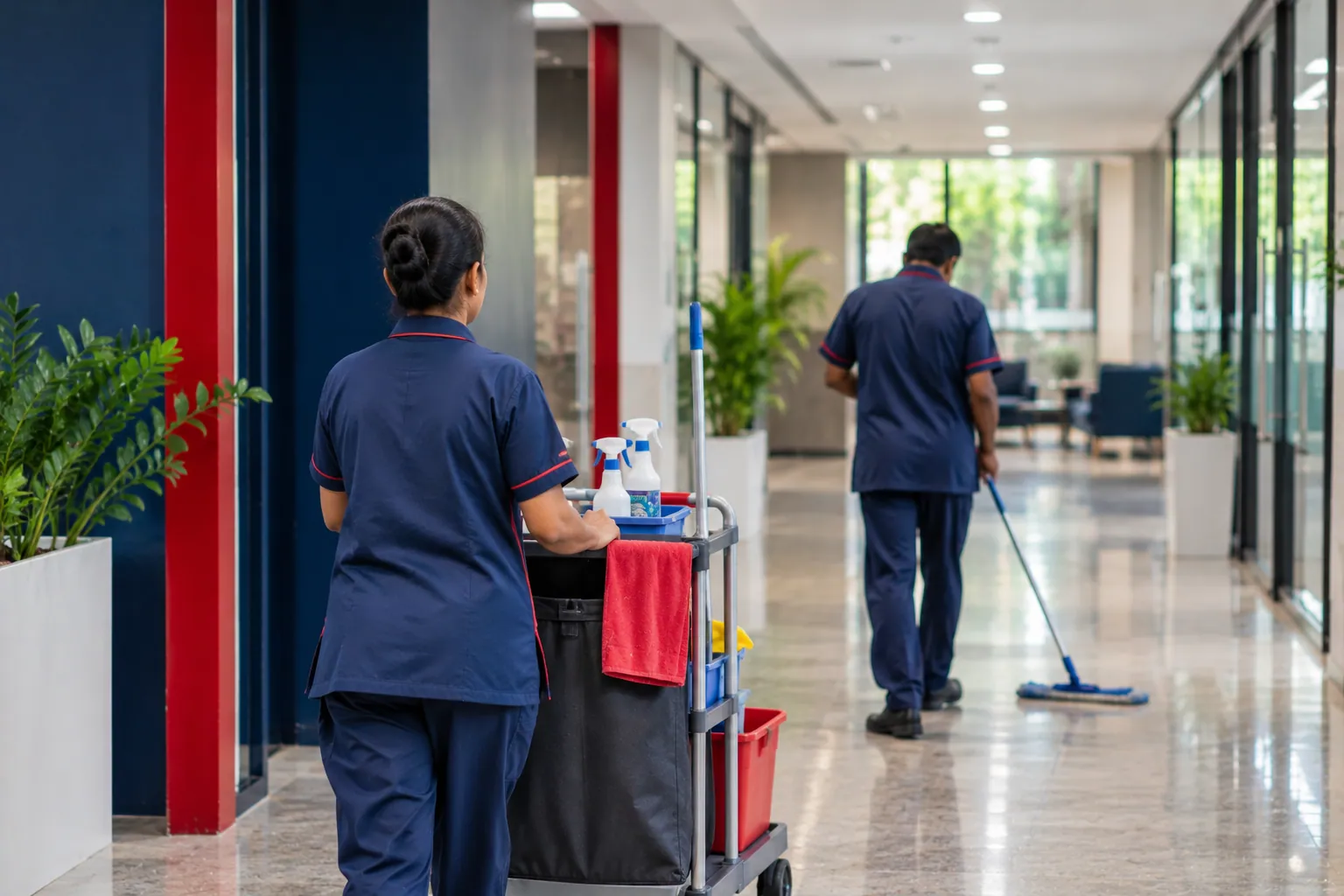
Cleaners start at six in different towers, and the supervisor can only be in one of them. The office finds out about an absence when a tenant complains about a dirty lobby.
Staff without smartphones
Many cleaners and helpers have a basic phone or none. An app that expects every person to have a smartphone leaves out the people who most need a clear record.
Staff are moved to cover absences
When someone is absent in Tower B, a person from Tower A is sent. The move is told by phone and is never written down, so the pay and the attendance disagree.
Every client wants a report
A facility company runs the same team for several clients. Each client wants to see the hours at their own building, in a format that shows who was there on which day.
How facility work runs
Cleaning teams usually start early, between five and seven, so offices are ready for the day. A second team may work an evening round. Technical and maintenance staff follow a general shift with an on-call roster. Weekly offs are often staggered so each building has cover every day.
Pulse assigns staff to buildings as sites, each with its own work week, and records a location-change request when someone is moved to another one. Supervisors can mark attendance for those without a phone, and the record shows who marked it.
Ways to mark attendance that suit moving teams
Phone inside the building circle
Staff with smartphones clock in inside a circle set around each building. A tower with several entrances works with a larger radius.
Supervisor's tablet at the first stop
A supervisor can carry a shared tablet to the morning briefing. Staff scan a code or tap a badge, and the supervisor sees the team arrive.
Supervisor marks for staff without phones
A supervisor can record attendance for a person with no smartphone. The record shows the supervisor's name, so it can be checked later.
Pulse features that fit a facility company
- Many-site attendance: Each building is a site with its own work week, and staff can be moved with a recorded request.
- Attendance alerts: An in-app alert for a late clock-in or a missed shift tells the office before a tenant does.
- Contract worker attendance: Contract cleaners, vendors and visitors can be given a QR pass.
- Shift scheduling: Early rounds, evening rounds and on-call duty for technical staff.
- Attendance reports: A register for each building that can be downloaded for the client.
Example: a cleaning company with six office towers
This is an example, not a result from a real company. A cleaning company looks after six office towers with about ninety staff. Each tower is a site with a circle around it. At half past six the office sees on the board that two towers have a person short.
The area supervisor moves a cleaner from the tower with spare staff and enters a location-change request, which the manager approves. At the end of the month the company downloads a register for each tower and sends it to the matching client with the invoice.
Questions people ask
Can staff without a smartphone be included?
Yes. A supervisor can record attendance for them, or they can tap a badge at a shared tablet. The record shows who marked it.
Does Zentaro Pulse track where cleaners are during the day?
No. Zentaro Pulse does not follow people around, and there is no background tracking. Attendance is recorded at clock-in. If auto clock-out is turned on, the app checks the position only while it is open and the person is clocked in.
How do we see an absent cleaner early?
The live board shows who is in, and an in-app alert marks a late clock-in or a missed shift. The office can then send someone from another building.
Can each client get a separate report?
Yes. Each building is a site, so the register can be viewed and downloaded by site. You can send each client the file for their own building.