- Compare
- Geofence, QR, tablet, badge or selfie
Clock-in methods compared: which method for which team?
There is no single best way to mark attendance. A phone with a location circle suits mobile staff, a QR code suits gates and reception, a shared tablet suits crowded entrances, an NFC badge suits people without phones, and a selfie photo adds a check. Zentaro Pulse lets you pick a method for each team. Launching 2027.
Phone with a location circle
The staff app checks that the phone is inside a circle you draw around the site, with a radius in metres. It suits staff who arrive from different directions and teams with many small sites. It is not a tracker. Zentaro Pulse does not follow people around, and there is no background tracking.
Its weak point is a fake location on the phone. Zentaro Pulse runs checks for a fake location, a rooted phone and a replayed punch, but no check is perfect.
QR code and shared tablet
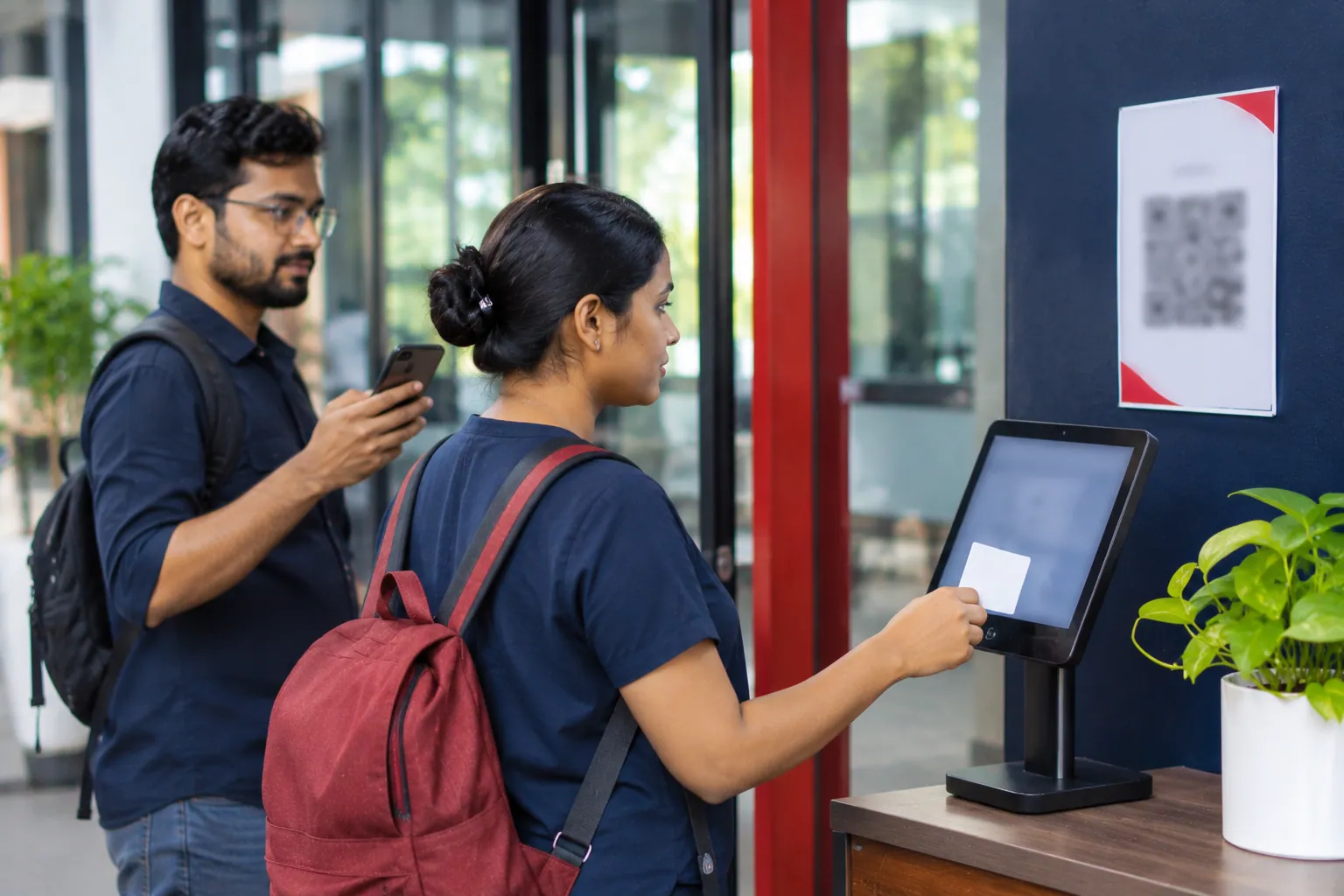
Each employee has a QR code that is valid for 60 seconds, and a shared tablet reads it. One tablet can serve many people, so it suits a gate, a staff room or a supervisor on the move. Visitor, contractor and vendor passes use the same idea.
The weak point is a screenshot or a shared phone. The short life of the code lowers that risk. A tablet also needs a place, power and someone to look after it.
NFC badge
The staff taps a card on a reader. Many card types are supported, in and out taps alternate, and each tap is stored in an audit log. It suits people who cannot carry a phone, such as on a shop floor or in a ward.
The weak point is that a badge can be lent to a friend. It also needs a reader and a supply of cards. Pair it with a photo at punch where this worries you.
Selfie photo and PIN
A selfie photo can be required at punch. It is stored encrypted and deleted after 30 days by default, and a supervisor can look at it when a punch seems wrong. It adds a check. It does not prove who the person is by itself.
A PIN is easy to give and easy to share, so it is the weakest method on its own. Use it only with a second check, such as the site circle.
Side by side
| Method | Best for | Main weakness | Needs |
|---|---|---|---|
| Phone with location circle | Mobile staff, many small sites | A fake location on the phone | A smartphone |
| QR code at a shared tablet | Gates, reception, staff rooms | A screenshot or a shared phone | A tablet and a smartphone |
| NFC badge | People who cannot carry a phone | A badge can be lent | A reader and cards |
| Selfie photo | An extra check on a punch | It does not prove identity by itself | A phone camera |
| PIN | A quick fallback | Easy to share | Nothing extra |
How to choose
- Start with the team, not the tool. Office staff and site staff rarely need the same method.
- Use a second check for any gate where someone might clock in for a friend.
- Keep a manual correction, with approval, for the day someone forgets.
- Try two methods in the first week and keep the one that is quicker at your gate.
Questions people ask
Which attendance method is hardest to cheat?
None is fully safe. Combining two, such as a site circle and a selfie photo, makes it harder than one. Zentaro Pulse also runs rule checks and lets a supervisor dispute a doubtful punch.
Can different teams use different methods?
Yes. You can set the method for each team. Office staff can use their phones while shop-floor staff tap badges at a shared tablet.
Does the app track staff after they clock in?
No. There is no background tracking and no route map. If your company turns on auto clock-out, the app checks the position only while the app is open and the person is clocked in.
What happens if the phone has no signal?
The phone app saves the punch and sends it when the network returns. A punch that arrives after 72 hours goes to review.