
Attendance reports you can download and share.
Zentaro Pulse gives you the attendance register and the reports people ask for: by employee, team and department, plus breaks and a workforce summary. Download them as CSV, Excel or PDF. The report is a real Excel file, ready to open and share.
- Register and summaries
- Budget against actual
- Break reports
- CSV, Excel and PDF
Without it
- The monthly register is built by hand from several sheets.
- Planned hours and worked hours are never compared.
- An auditor asks for a record and it takes days to find.
What it does.
Register and summaries
The attendance register shows each person for each day. Summaries roll up by team and department.
Budget against actual
Compare planned hours with the hours actually worked.
Break reports
See break time by person and by team.
CSV, Excel and PDF
Download a report in the format your team opens most.
How it works.
-
Step 1
Choose a report
Pick the register, a team report or a summary.
-
Step 2
Pick the period and team
Choose the dates and who to include.
-
Step 3
Check it on screen
Read the numbers in the console first.
-
Step 4
Download
Download as CSV, Excel or PDF to share or file.
See the screens.
The screens you and your managers will use for this.
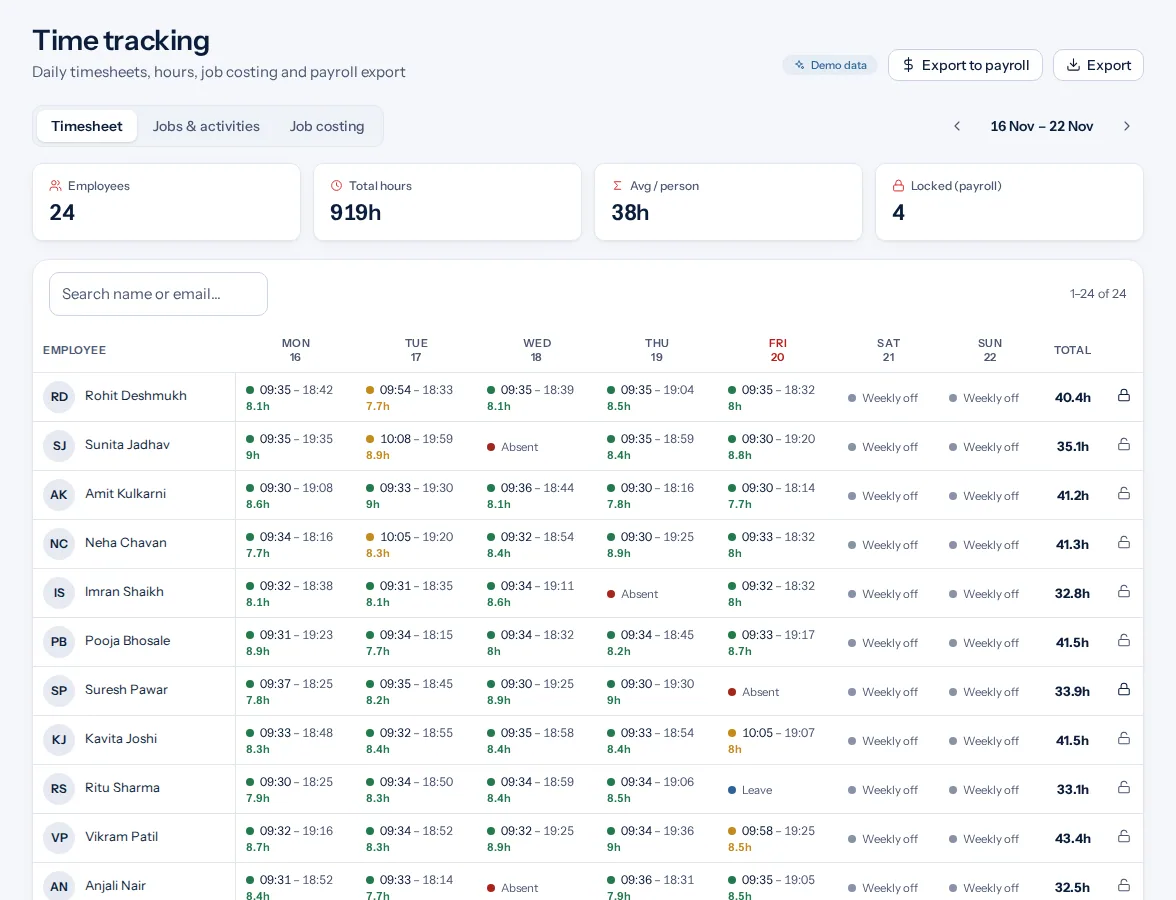
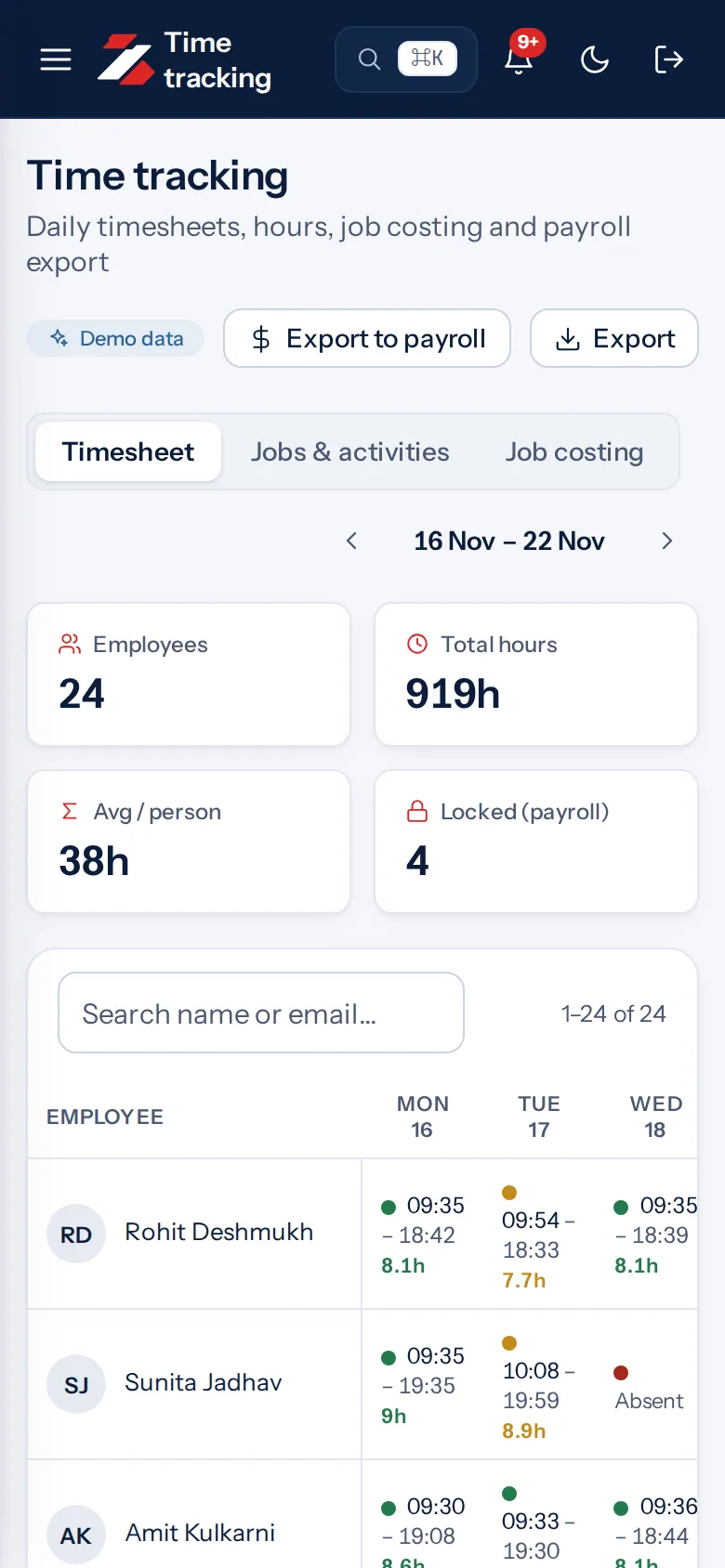
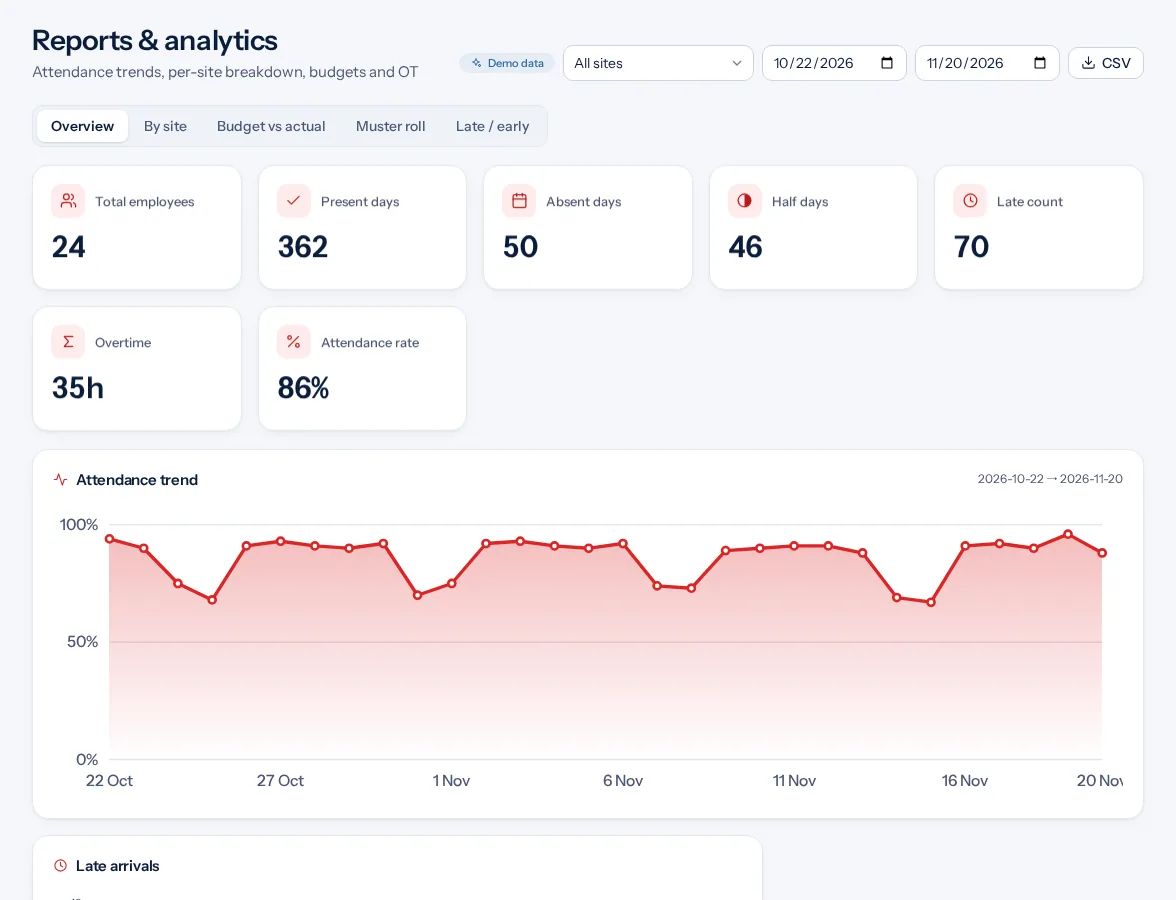
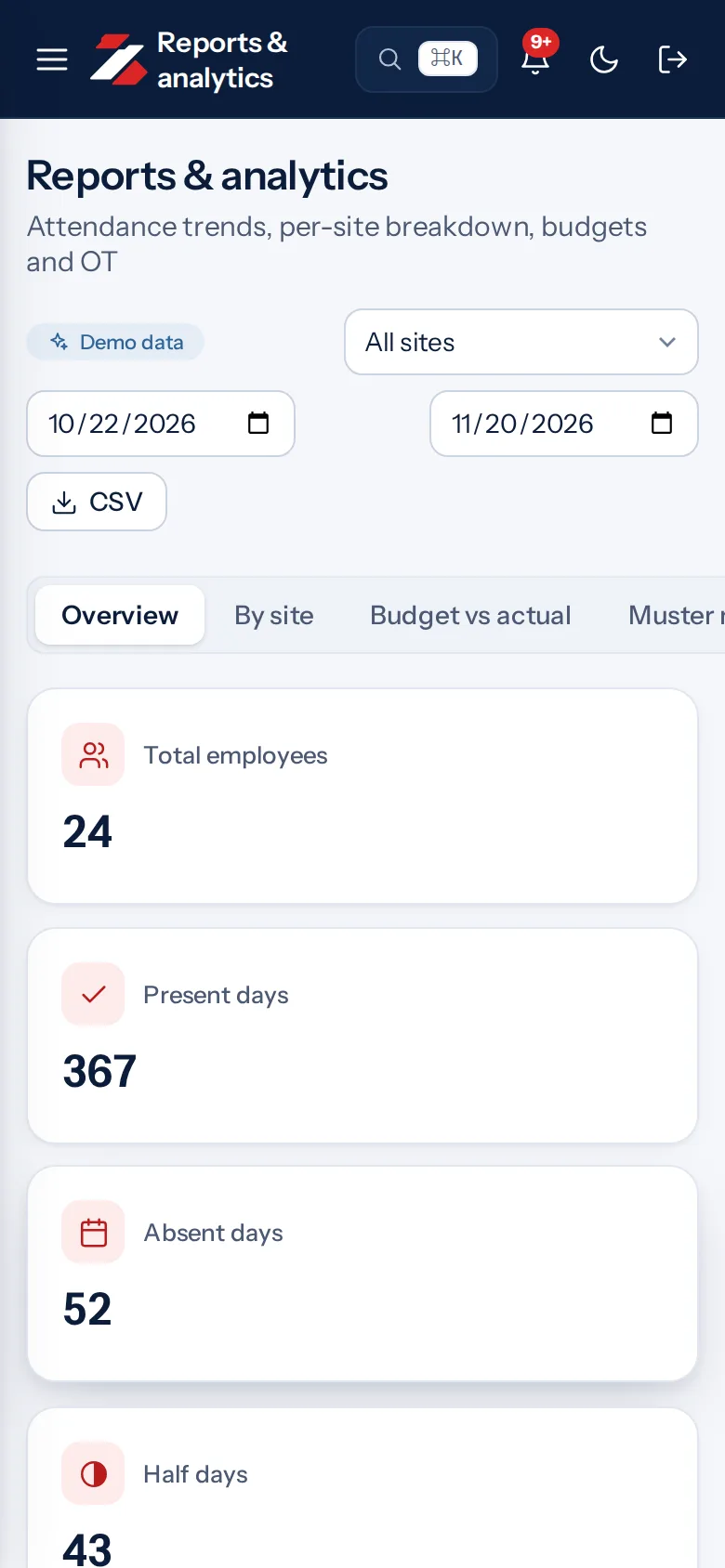
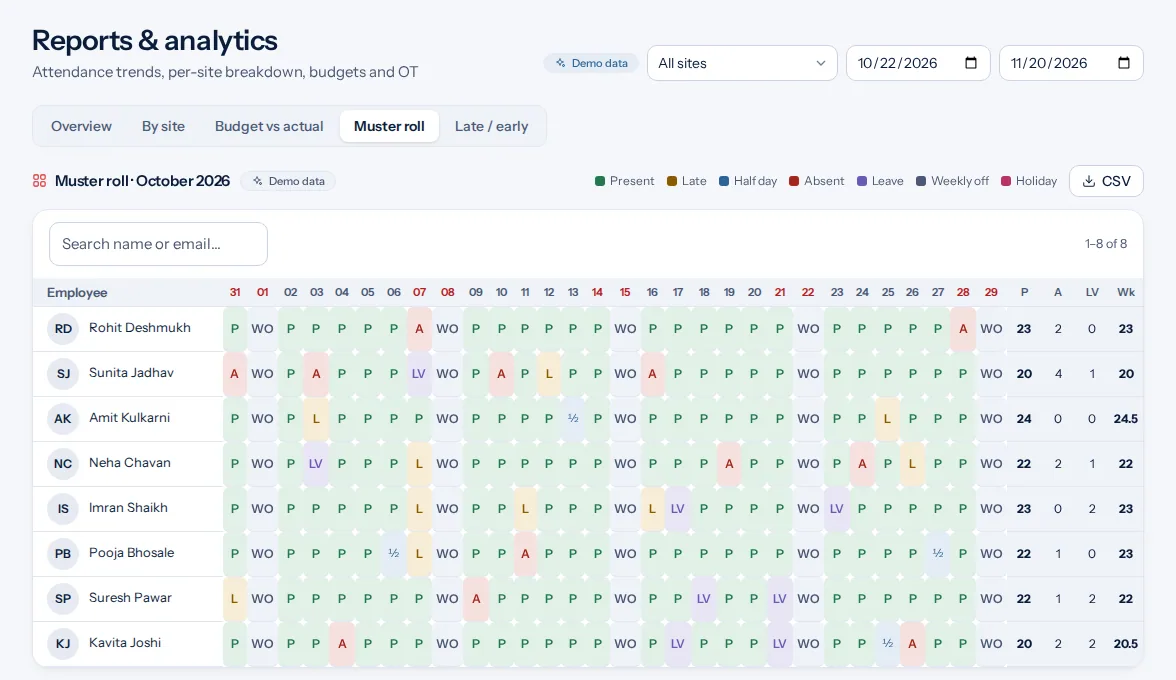
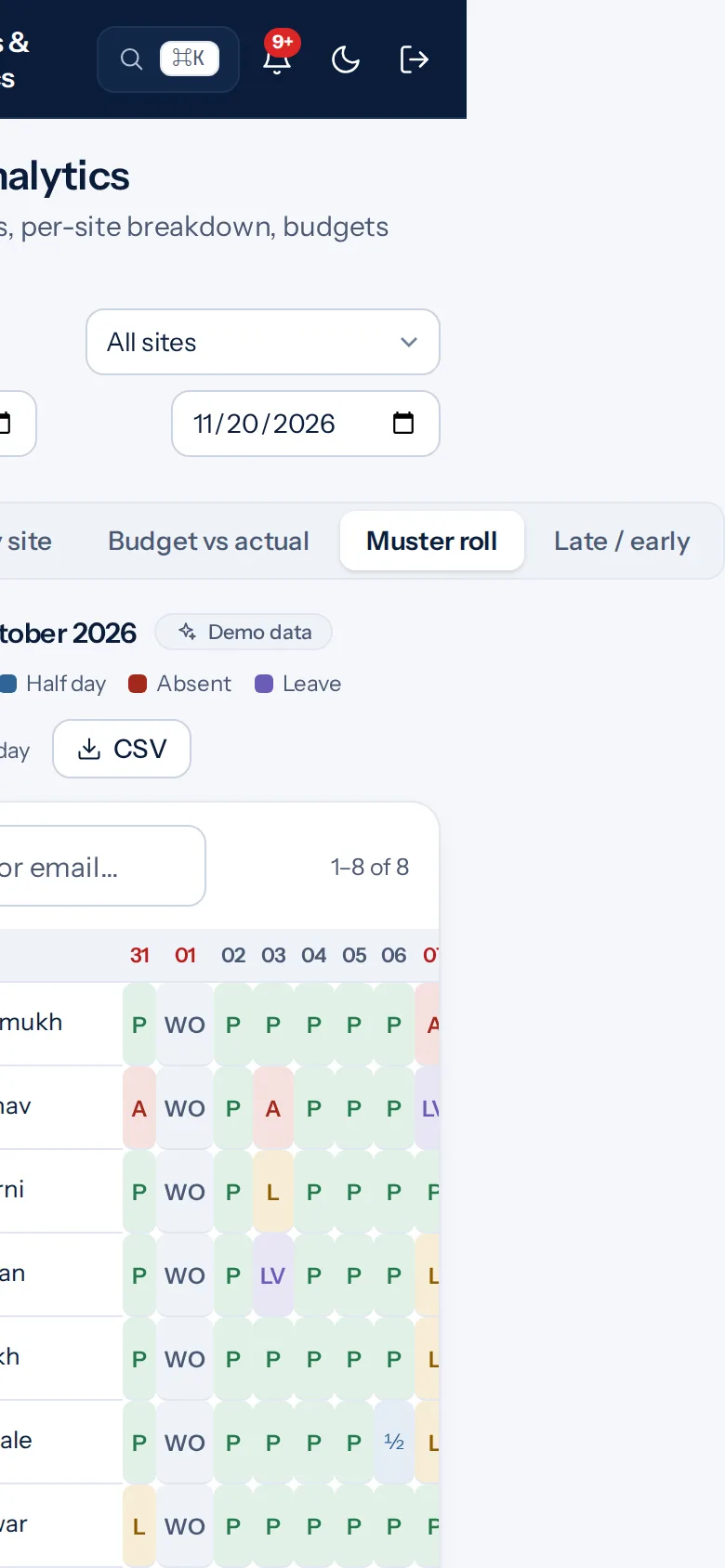
Example screens with demo data
The problem you know
What goes wrong without it.
- A register that takes days. Building it by hand at month end is slow and easy to get wrong.
- No planned against actual. You cannot see where hours ran over without the comparison.
- Reports in the wrong format. Each team opens a different kind of file.
What it is not
- It does not calculate salary.
- It does not send reports by email today. You download them.
Who it is for.
Who it is for
- HR teams that prepare the monthly register
- Owners who review one team at a time
- Auditors who ask for a written record
Want to see how it fits your team? Talk to us
Questions people ask.
What reports does Zentaro Pulse have?
Employee, team, department and register reports, budget against actual, breaks and a workforce summary. Zentaro Pulse launches in 2027.
Which formats can I download?
CSV, Excel and PDF.
What is a muster report?
It is the attendance register for a period, showing each person for each day.
Are reports emailed to me every day?
Not today. You open the report in the console and download it.
Can I see who is in right now?
Yes. The live attendance board shows who is in today.
Be first to hear when Zentaro Pulse launches
Zentaro Pulse is launching in 2027. Join early access and we will tell you first. Or ask us a question now.
Last updated: