
Export attendance to payroll as a CSV or Excel-ready file.
Zentaro Pulse turns the month's attendance into a file your payroll can use. It counts present, absent, late, half-day, overtime and loss-of-pay days, and exports a CSV or Excel-ready file. Pulse does not calculate or pay salaries. It sends the attendance numbers.
- Days counted for you
- Review before export
- CSV or Excel-ready
- Layouts you can adjust
Without it
- Attendance is copied into the payroll sheet by hand.
- Open corrections are found after the numbers went out.
- Present and absent days are counted again by the accountant.
What it does.
Days counted for you
Present, absent, late, half-day, overtime and loss-of-pay days for each person.
Review before export
Queues show open corrections and requests, so you fix them before the numbers go out.
CSV or Excel-ready
Download a CSV or an Excel-ready file. It is an attendance file, not a pay file.
Layouts you can adjust
Choose a column layout. You may need small changes to match your own payroll sheet.
How it works.
-
Step 1
Close the month
Clear pending corrections, leave and overtime requests.
-
Step 2
Pick the layout
Choose the columns your payroll uses.
-
Step 3
Export
Download the CSV or Excel-ready file.
-
Step 4
Use it in payroll
Open the file in your payroll process. Pulse does not calculate pay.
See the screens.
The screens you and your managers will use for this.
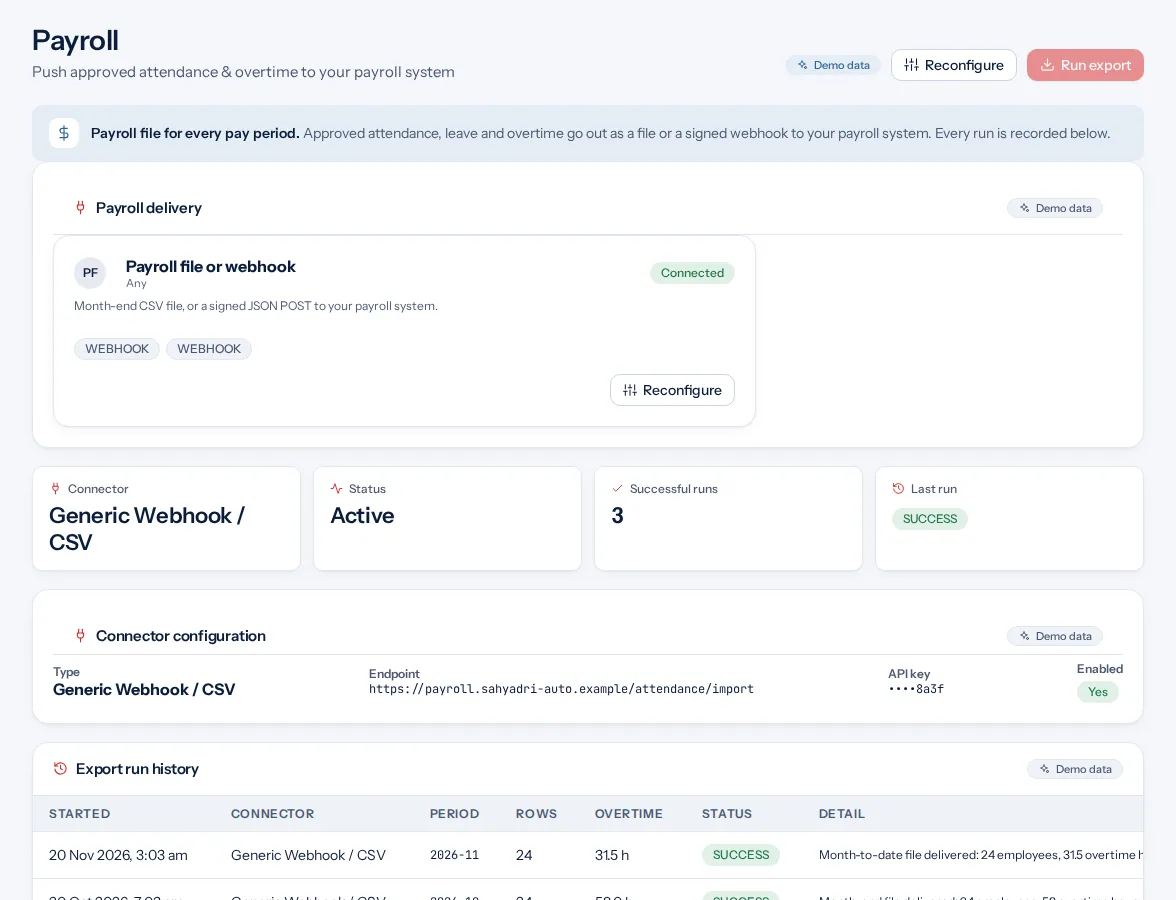
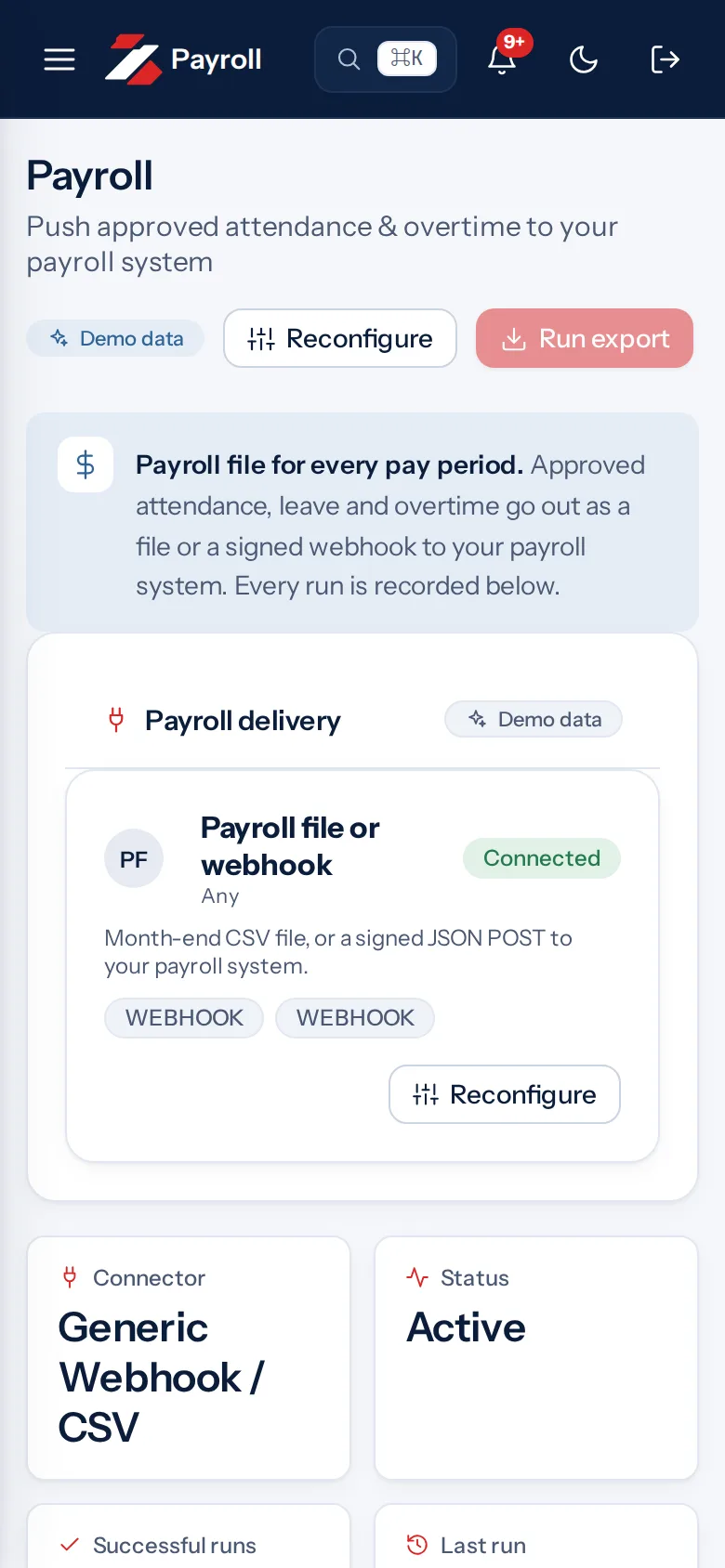
Example screen with demo data
The problem you know
What goes wrong without it.
- Hand copying at month end. Typing the days into a sheet is slow and invites mistakes.
- Open requests left behind. A pending correction changes the numbers after export.
- A file that does not match. Each payroll sheet has its own columns.
What it is not
- It is not a pay file. Pulse does not calculate pay.
- It does not match every payroll sheet. You may need small changes.
Who it is for.
Who it is for
- HR teams that fill payroll sheets by hand
- Accountants who need clean attendance numbers
- Owners who pay by the day or the month
Want to see how it fits your team? Talk to us
Questions people ask.
Does Zentaro Pulse calculate salaries?
No. It exports attendance numbers as a CSV or Excel-ready file. It does not calculate or pay salaries. It launches in 2027.
What does the export contain?
Present, absent, late, half-day, overtime and loss-of-pay days for each person.
Which formats are available?
CSV or an Excel-ready file. The attendance report can also be downloaded as a real Excel file.
Does it connect to my payroll software?
We do not list any payroll software as connected. Use the file, or ask us about the API and webhooks.
Can I check the numbers before export?
Yes. Review queues show open items so you can fix them first.
Be first to hear when Zentaro Pulse launches
Zentaro Pulse is launching in 2027. Join early access and we will tell you first. Or ask us a question now.
Last updated: