
Overtime tracking that follows your own rules.
Zentaro Pulse tracks overtime by the day, the week, weekends and holidays, with multipliers you set, such as double time. An overtime request goes for approval. Approved overtime can earn comp-off, which expires after 90 days. You set the rules, so check the current law or ask an adviser.
- Daily and weekly overtime
- Weekend and holiday overtime
- Requests need approval
- Comp-off with an expiry
Without it
- Extra hours are written on a slip and lost.
- Nobody agrees on when overtime starts.
- Overtime is paid before anyone approved it.
What it does.
Daily and weekly overtime
Overtime is counted after the hours you set for the day or the week.
Weekend and holiday overtime
Work on a week-off or a holiday can follow its own rule and its own multiplier.
Requests need approval
Staff or managers raise an overtime request. It goes to the approval inbox.
Comp-off with an expiry
Overtime can earn comp-off. Unused comp-off expires after 90 days.
How it works.
-
Step 1
Set the overtime rules
Choose when overtime starts and what multiplier applies.
-
Step 2
Hours are counted
Pulse works out extra hours from the punches and the shift.
-
Step 3
A manager approves
Overtime waits for approval before it counts.
-
Step 4
Export or use as comp-off
Approved overtime goes into your reports and export, or into comp-off.
See the screens.
The screens you and your managers will use for this.
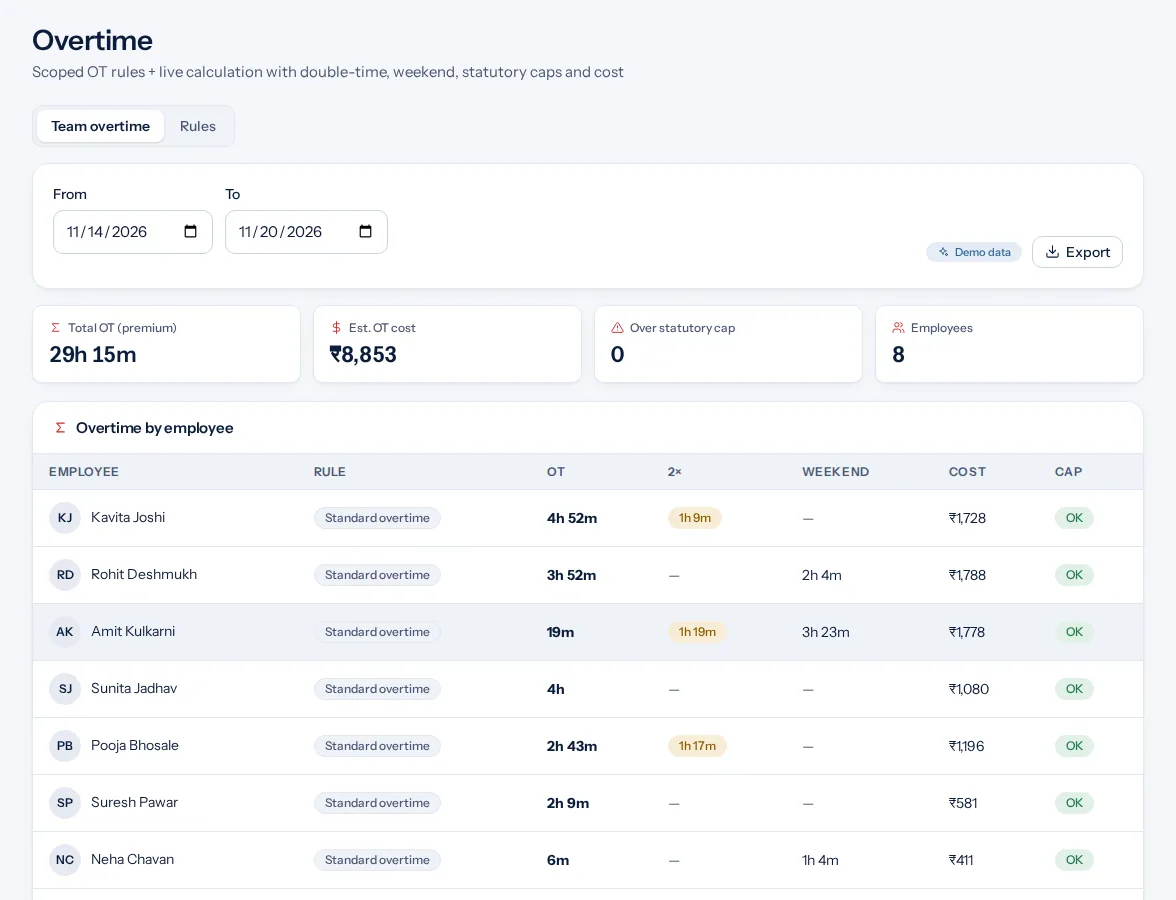
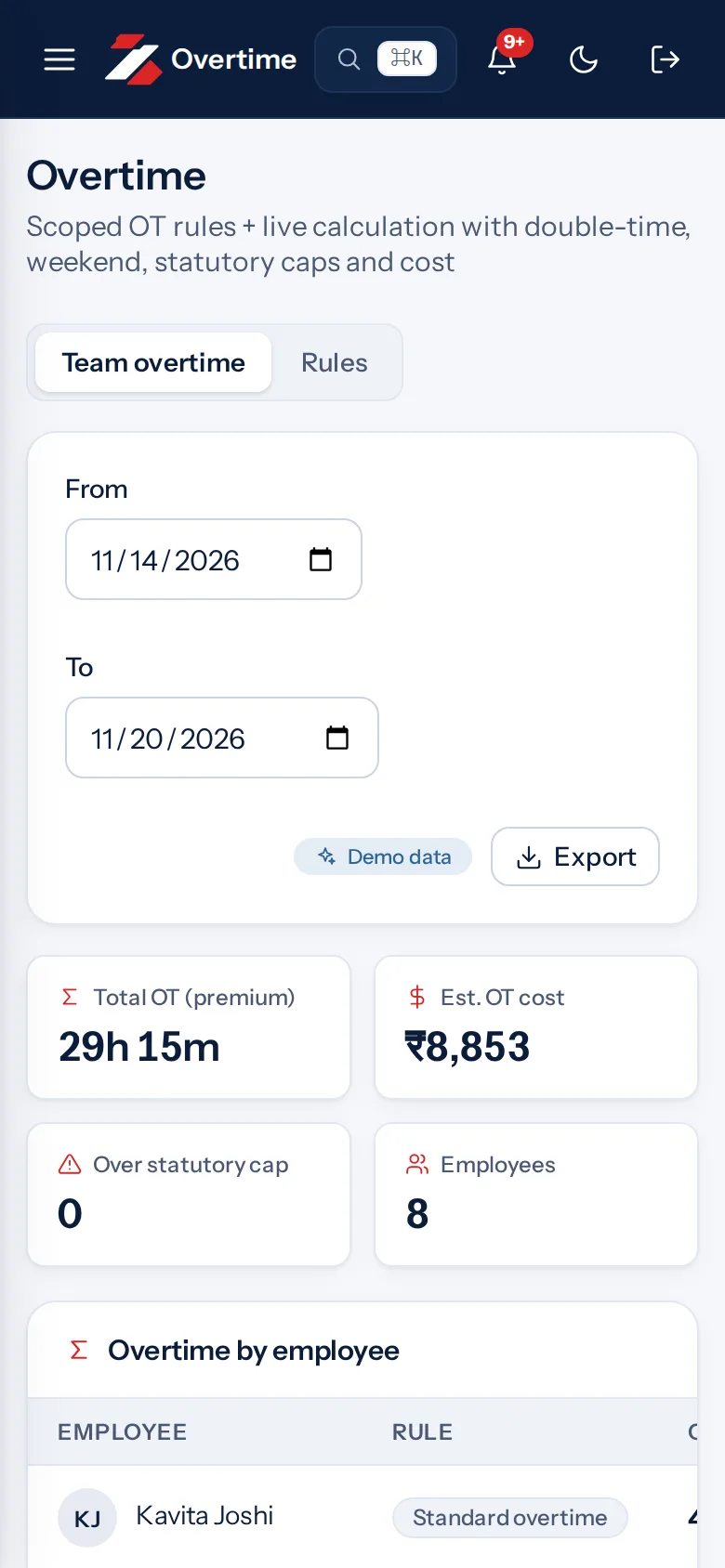
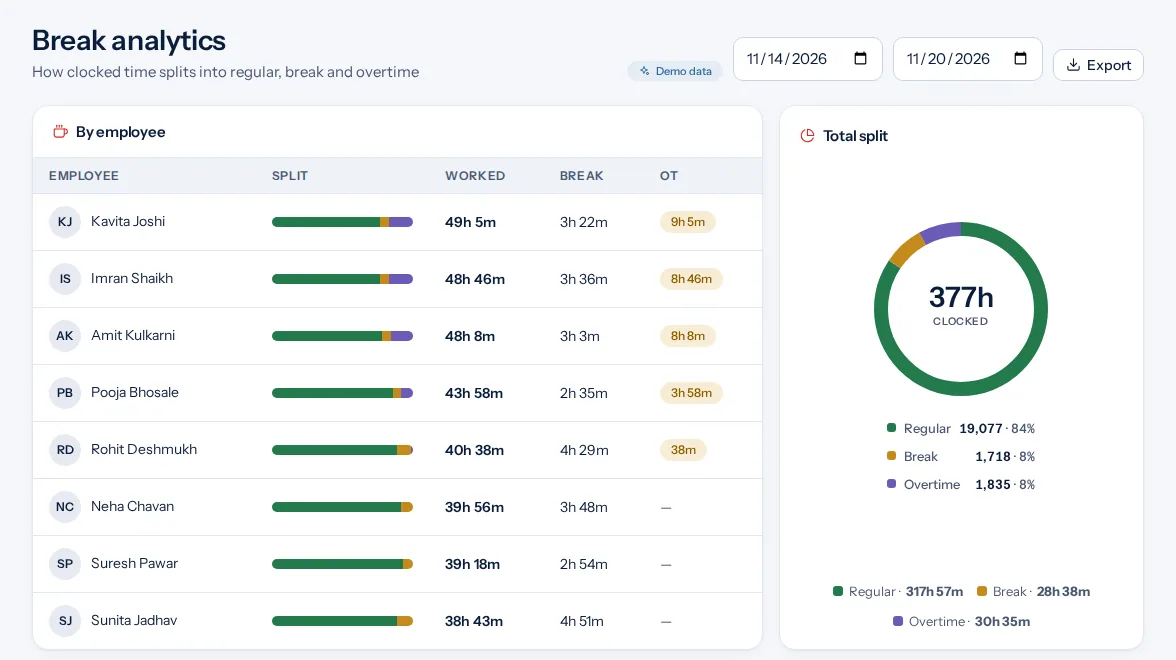
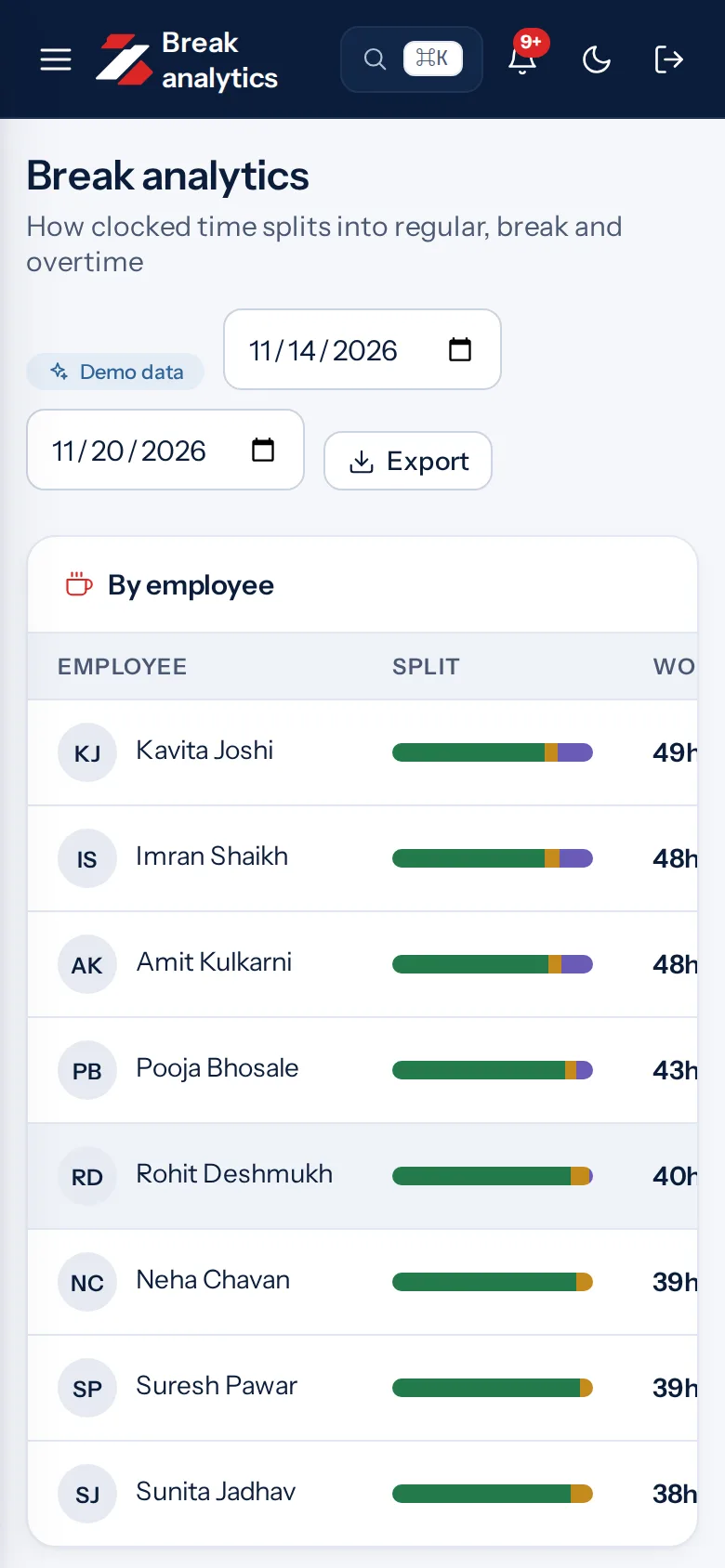
Example screens with demo data
The problem you know
What goes wrong without it.
- Unclear overtime rules. A weekday, a week-off and a holiday may each follow a different rule.
- Overtime without approval. Extra hours that nobody approved cause disputes at month end.
- Comp-off that never ends. Unused time off needs an expiry so the balance stays fair.
What it is not
- It does not calculate salary. It gives you the hours.
- It does not count overtime until a manager approves it.
Who it is for.
Who it is for
- Factories and warehouses with long shifts
- Hospitality teams that work weekends
- HR teams that prepare the monthly sheet
Want to see how it fits your team? Talk to us
Questions people ask.
What is overtime tracking software?
It counts the extra hours people work beyond the normal shift and records approvals. Zentaro Pulse launches in 2027.
Does Zentaro Pulse apply the legal overtime rate?
No. You set the rules and multipliers. Labour rules change, so check the current rules or ask an adviser.
What is comp-off?
It is time off given in place of extra hours worked. In Pulse, comp-off earned from overtime expires after 90 days.
Can overtime be approved before it is worked?
Yes. An overtime request goes to the approval inbox and a manager decides.
Does it pay overtime?
No. Pulse counts the hours. You can export them as a CSV or Excel-ready file for your payroll.
Be first to hear when Zentaro Pulse launches
Zentaro Pulse is launching in 2027. Join early access and we will tell you first. Or ask us a question now.
Last updated: