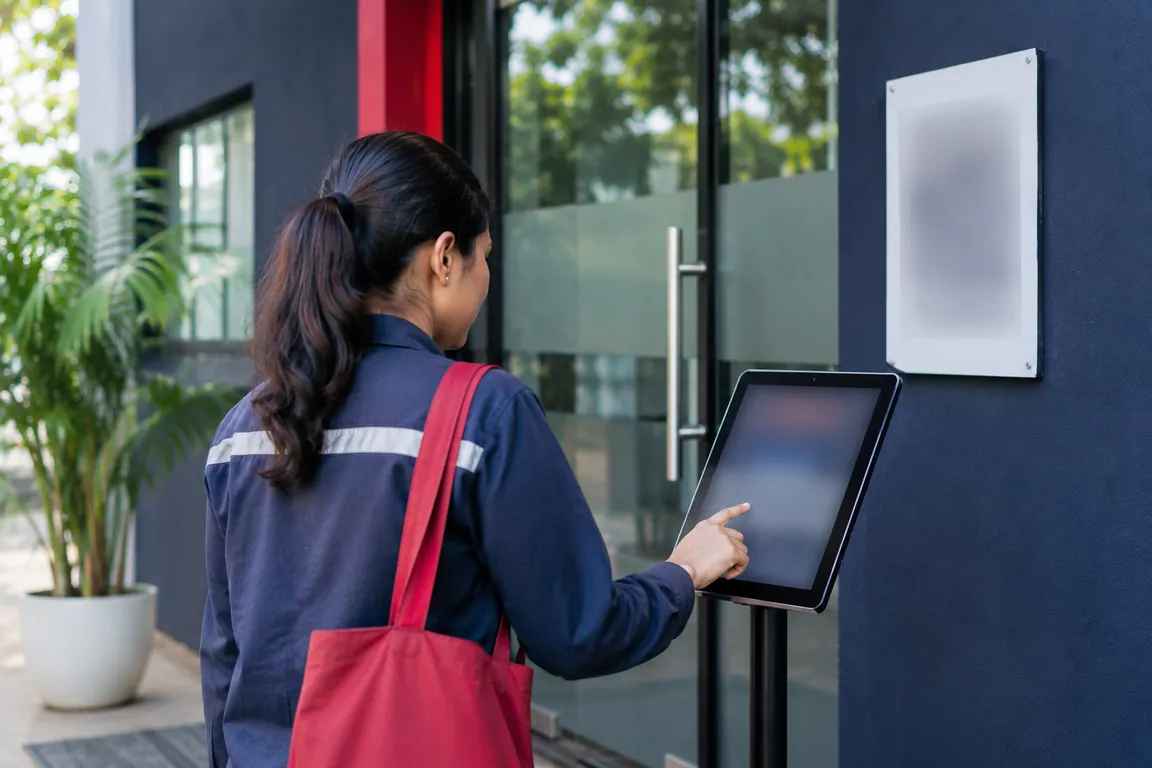
Kiosk attendance: one shared tablet for the whole team.
A kiosk is a shared tablet that stays at the entrance. Many staff mark attendance on the same device, so nobody needs their own phone. Zentaro Pulse has a separate kiosk app, registers each tablet with a device token, and keeps a history for every device.
- Many people, one device
- Each tablet is registered
- History per device
- Works with QR and badges
Without it
- Staff queue to sign a paper sheet at the gate.
- People without a smartphone cannot punch.
- A problem with one entry is hard to trace.
What it does.
Many people, one device
Everyone on a shift marks attendance on the same tablet at the gate.
Each tablet is registered
A device token ties the tablet to your account. A tablet without a token cannot save punches.
History per device
See every punch made on each tablet, so a problem is easy to trace.
Works with QR and badges
Staff can show a QR code from the app or tap an NFC badge, depending on what you allow.
How it works.
-
Step 1
Install the kiosk app
Install Zentaro Pulse Kiosk on a tablet and leave it at the entrance.
-
Step 2
Register the tablet
The tablet is registered and gets a device token.
-
Step 3
Staff punch on it
Staff show a QR code or tap a badge. The tablet saves the punch.
-
Step 4
Review by device
Managers open the device history to see what was punched and when.

The problem you know
What goes wrong without it.
- Many people start at once. One register or one machine becomes a bottleneck.
- Not everyone has a smartphone. A shared device lets every worker mark attendance.
- An open tablet can be misused. A tablet that is not registered should not be able to save punches.
What it is not
- It is not a punch machine. A normal tablet is enough.
- It does not save punches from a tablet that is not registered.
Who it is for.
Who it is for
- Gates, shop floors and back-of-house areas
- Teams where not everyone has a smartphone
- Sites with many workers starting at once
Want to see how it fits your team? Talk to us
Questions people ask.
What is a kiosk attendance app?
It is an app on a shared tablet where many staff mark attendance. Zentaro Pulse launches in 2027.
Which tablets can I use?
The kiosk app is built for Android tablets. We have not published a tested list of tablet models.
Can anyone use a tablet that is not registered?
No. A tablet needs a device token from registration before it can save punches.
What about the shared tablet when the internet is weak?
We have not stated offline support for the kiosk. The offline feature applies to the phone app. Ask us if your gate has weak internet.
Can I see who punched on which tablet?
Yes. Each device has its own punch history.
Be first to hear when Zentaro Pulse launches
Zentaro Pulse is launching in 2027. Join early access and we will tell you first. Or ask us a question now.
Last updated: