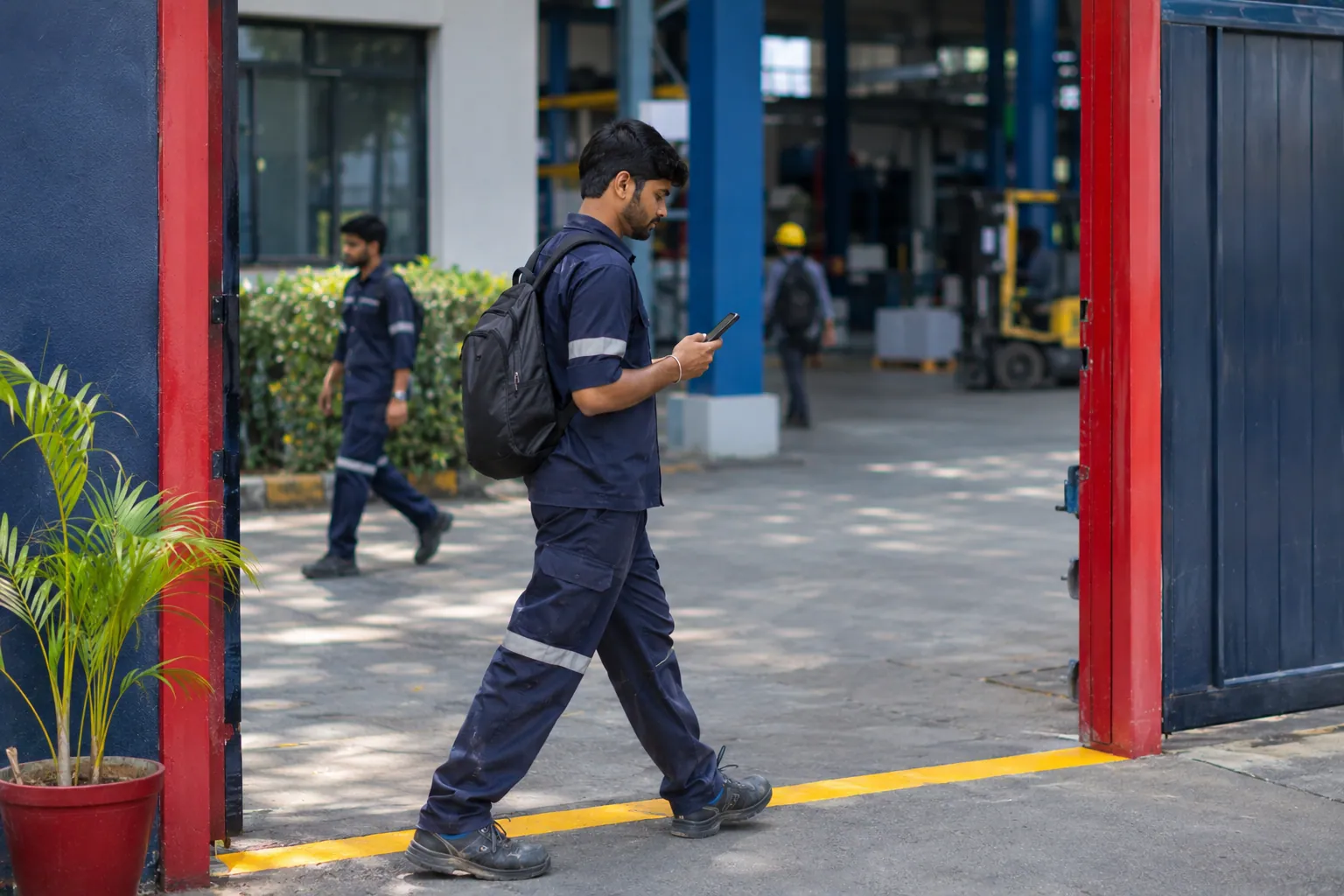
Geofencing attendance draws a virtual circle around a work site. When a person clocks in on the phone app, the app checks whether the phone is inside the circle. Inside means accepted. Outside means flagged for review. You choose the radius in metres, and how well the phone finds its position decides how small it can be.
The idea
A geofence is a circle on a map. You pick the centre, usually the main entrance, and a radius in metres. The phone knows roughly where it is, and the app compares that position with the circle at the moment of clock-in.
What happens at clock-in
- The person taps clock-in in the app.
- The phone reports its position and how accurate it thinks that position is.
- The app checks whether the position is inside the circle.
- Inside: the punch is accepted. Outside: the punch is saved and flagged for a manager.
How accurate is phone location
Phone location is good in the open and weaker indoors, in basements and between tall buildings. An error of tens of metres is normal in a bad spot. That is why a very small circle causes false flags.
| Radius | Good for | Risk |
|---|---|---|
| 50 m | A small shop in the open | People are flagged at the back of the building |
| 100 to 200 m | Most offices and shops | A balance for most places |
| 300 m or more | Large campuses and open sites | Easier to clock in from outside the gate |
Example: one site, one test
The office sits on a busy road. The first guess is 50 metres.
In the test, a clock-in from the second floor lands 70 metres from the pin and is flagged.
The manager sets 150 metres and tests again. All clock-ins inside the building pass. A clock-in from the bus stop, 300 metres away, is flagged.
What a geofence does not do
- It does not track a person all day. There is no background tracking.
- It does not draw custom shapes. It is a circle.
- It does not stop every attempt to cheat. Fake-location checks and photos add more signals.
Consent and privacy
Location is personal data. Tell staff when the app uses it, and ask for consent. Zentaro Pulse records consent for location as its own purpose.
Questions people ask
What is a geofence in attendance?
A virtual circle around a work site, used to check that a person is near it at clock-in.
What radius should I choose?
Many sites start at 100 to 200 metres. Test on real phones and adjust.
Does it work without internet?
The phone app can save a punch offline and send it when the network returns.
Is the person tracked all day?
No. There is no background tracking. The position is used for the clock-in check, with consent.
Where Zentaro Pulse fits
In Zentaro Pulse you set the circle and the radius for each site. Launching 2027.
Get early access